Virtual showroom software that builds itself from your catalog
Most virtual showroom software asks for 3D models, a design project and a monthly fee before a single shopper walks in. Here's what to look for, how the main kinds compare, and how Aisleza turns the products you already sell into a showroom shoppers can buy from.
A virtual showroom lets shoppers walk around your products instead of scrolling past them. The hard part used to be the software: designed rooms, 3D models of every product and an agency to build it. For an online shop with a real catalog, that’s rarely worth it before you know shoppers will use it.
About this page. We make Aisleza, so this page explains our approach. For a neutral look at the whole market, including prices from other providers, see what a virtual showroom costs.
What to look for in virtual showroom software#
- Built from your catalog. New products, prices and stock should appear by themselves. A showroom you rebuild by hand every season quickly falls out of date.
- No 3D models required. Per-model costs add up fast with hundreds of products. Product photos should be enough to start.
- Buying inside the showroom. Shoppers should add products to your real cart and reach your normal checkout, not a separate shop or a “contact us” form.
- Runs in the browser. No app, no headset, no download. It should also work on phones and tablets, with a lighter view for older devices.
- On your own site. The showroom should live on your domain, with your branding, not on a provider’s platform.
- A free way to try it. You should be able to test it on your own products before paying for anything.
The main kinds, compared#
| Built from your catalog? | 3D models needed? | Buy inside? | |
|---|---|---|---|
| Catalog-based plugin or app (e.g. Aisleza) | Yes, stays in sync | No | Yes, your own cart |
| Showroom platform (SaaS) | Usually set up by hand | Usually | Varies, often links out |
| 360° tour of a real shop | No, a photo of scan day | No, but you need a physical shop | Through hotspot links |
| Custom 3D build | Depends on the build | Yes | Depends on the build |
How Aisleza works as virtual showroom software#
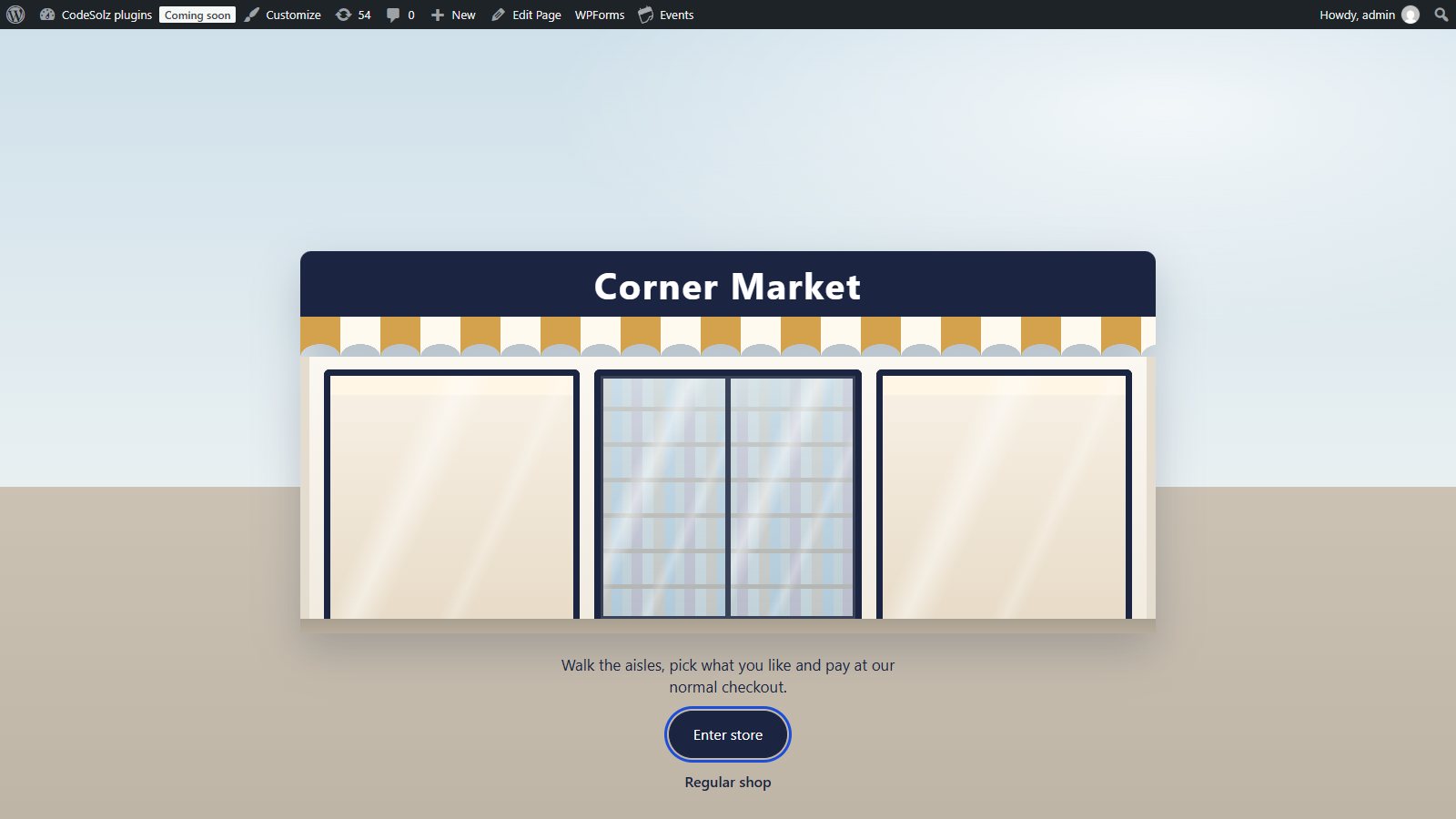
- Your categories become aisles. Choose which categories to show and in which order. Subcategories become filters inside the aisle.
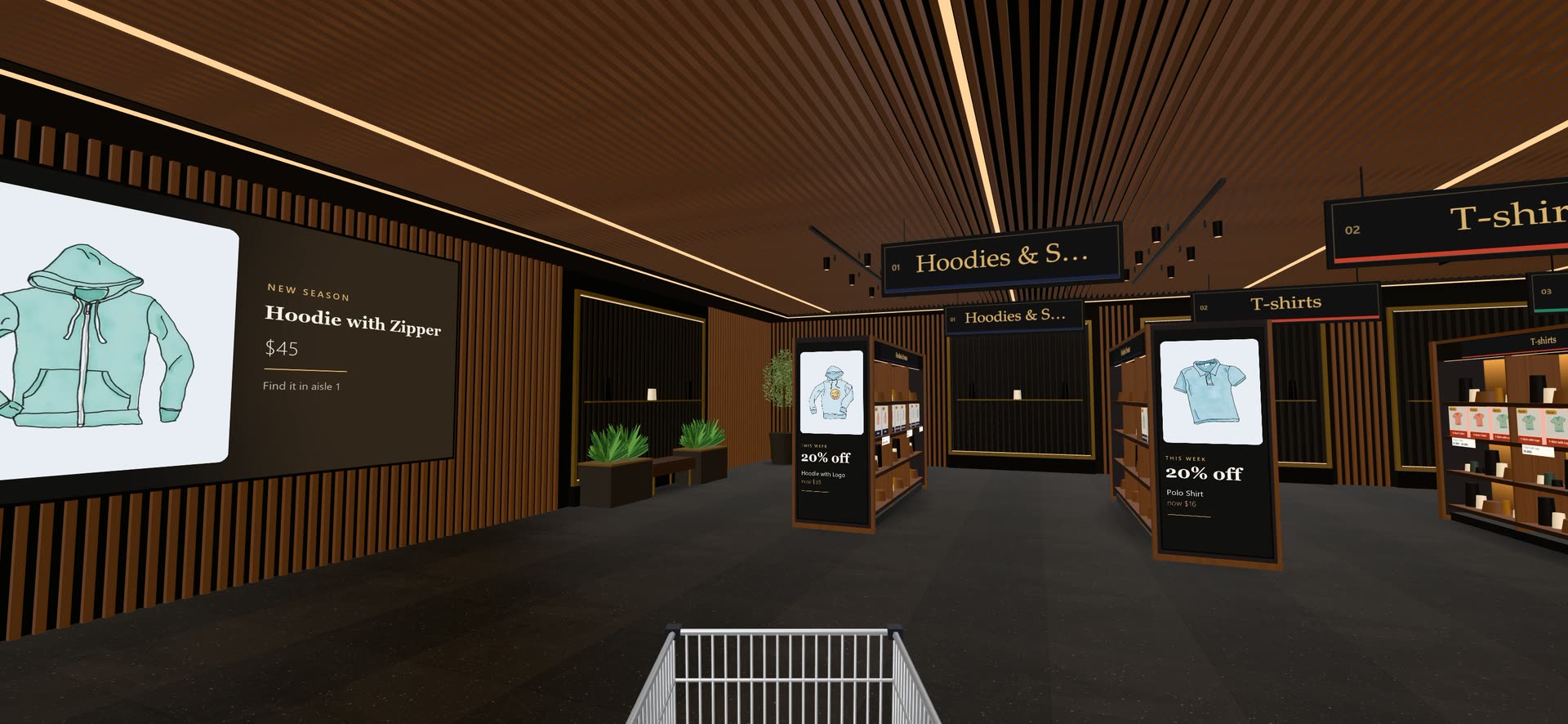
- Your products appear on shelves and fixtures, using the images you already have, with shelf-edge price tags and sale prices.
- Shoppers walk around with the keyboard, mouse or an on-screen joystick, or jump straight to an aisle from the store map.
- They buy as they go. Shoppers pick sizes or colours, add items to a trolley that is your real cart, and check out normally.
Your regular shop stays exactly as it is. The showroom is an extra page on your site.
Make the showroom your own (Aisleza Pro)#
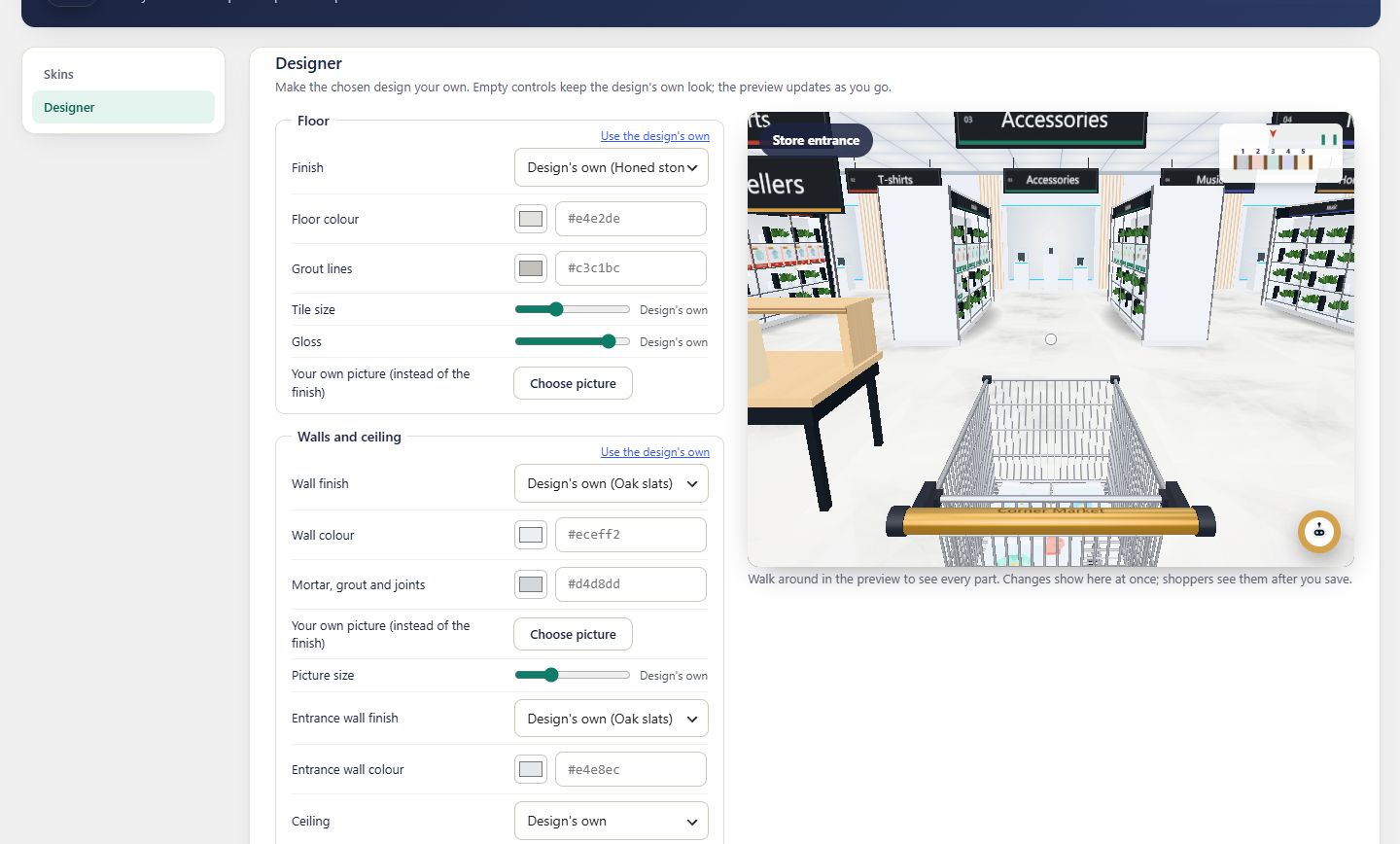
- Interiors for different kinds of shop: Noir, Fresh Market, Studio, Blush, Greenhouse, Library, Loft and Playroom.
- The store designer to lay out the floor, plus your own floor and wall images (Business and Agency).
- Merchandising: an entrance promotion table, aisle-end displays, posters, in-store video screens and automatic aisles for new arrivals, sale items and bestsellers.
- 3D product models and dressed mannequins, when you have them.
- Ava, the AI shopping assistant, who answers shoppers’ questions and walks them to the shelf.
- Shopper insights: visits, popular aisles, product views, cart additions and a floor heatmap, so you can see whether the showroom pays off.
Who uses a virtual showroom#
- Furniture and home decor: a virtual furniture showroom shoppers can stroll through room by room.
- Fashion and boutiques: a virtual boutique with mannequins and seasonal displays.
- Gifts, beauty, toys and books: shops where browsing and discovery sell more than search.
- Agencies: a stand-out feature for client stores, with white-label options on the Agency plan.
Try it on your own products. Walk the live demo first, then set up the free plugin on WooCommerce in about ten minutes, or compare the Pro plans.
Questions people ask
What is virtual showroom software?
Software that lets shoppers explore your products in a 3D space in the browser, like walking around a real showroom or shop, instead of scrolling a grid. Some tools build designed rooms from 3D models; others, like Aisleza, build the showroom from your existing product photos and categories.
Do I need 3D models of my products?
Not with Aisleza. The free plugin puts your existing product images on shelves and fixtures. If you have 3D models (GLB files), Aisleza Pro can show them on the shelves too.
Can shoppers buy inside the virtual showroom?
Yes. Shoppers choose options and add products to a trolley connected to your store’s own cart, then check out with the payment and shipping you already offer.
Which platforms does Aisleza work with?
WooCommerce, Wix, Magento, PrestaShop, OpenCart, Shopware and Squarespace, with Shopify and BigCommerce apps on the way. See the extensions page for each one.
Is there a free virtual showroom option?
Yes. Aisleza’s plugin for WooCommerce is free, with no time limit and no visit limit. Aisleza Pro adds more interiors, the store designer, merchandising and shopper insights.
More guides
- The best 3D virtual store plugins for WooCommerce in 2026Want shoppers to walk through your WooCommerce shop in 3D? Here is every plugin that does it today, what each one is really like, and which …
- Shopify virtual store apps comparedLooking for a 3D or virtual store app for Shopify? Several well-known names have left the App Store, and the ones that remain work in very …
- 3D product viewer vs 3D virtual store: which does your shop need?Both get called "3D for your online shop", but they do very different jobs. One lets shoppers spin a single product; the other lets them …
- How to add a 3D virtual store to your WooCommerce shopA step-by-step guide to turning your WooCommerce shop into a 3D store shoppers walk through, using your existing products and photos. It …
- What does a virtual showroom cost? Options for small shops, comparedA virtual showroom can cost nothing or half a million dollars. Here's what each kind costs in 2026, from free plugins to custom agency …
 Ready when you are
Give your shoppers
somewhere to go
Start free with the walk-in store. Add Pro for every skin, Ava, camera views and merchandising.