3D product viewer vs 3D virtual store: which does your shop need?
Both get called "3D for your online shop", but they do very different jobs. One lets shoppers spin a single product; the other lets them walk through your whole range. Here's how to tell which one you need, and when to use both.
“Add 3D to your shop” can mean two very different things, and the search results mix them up. Here’s the difference in one line each:
- A 3D product viewer lets shoppers spin one product on its product page.
- A 3D virtual store lets shoppers walk through your shop, with your categories as aisles and your products on shelves.
Side by side#
| 3D product viewer | 3D virtual store | |
|---|---|---|
| What shoppers see | One product as a 3D model they can rotate and zoom | A whole store to walk around, aisle by aisle |
| Where it appears | On each product page | On its own store page |
| What you need | A 3D model file (.glb, .gltf, .usdz) for every product you show | Depends on the tool; Aisleza uses the product photos you already have |
| Helps shoppers | Decide on a product they're already looking at | Discover products, browse for longer, enjoy the visit |
| AR ("see it in your room") | Often included | Not the point; it's about the shop, not one item |
| Best for | Furniture, decor, shoes, gadgets: items where shape and size matter | Shops with a range to explore: fashion, gifts, beauty, toys, books, food |
| Examples | 3D Viewer, Visody (WooCommerce); Shopify's built-in 3D media | Aisleza (9 platforms); WooBaba 3D Gallery (WooCommerce) |
The 3D product viewer: one product, in your hand#
A viewer replaces or joins the photos on a product page with a 3D model the shopper can turn and zoom. Many also offer AR: on a supported phone, the shopper can place the product on their floor or table to see its size. That’s powerful when shape and scale matter, such as a sofa, a lamp or a trainer.
The catch is the 3D model. Each product you show needs its own file, usually a .glb. Some suppliers provide them, and phone scanning apps can make simple ones, but a good model of a detailed product often means paying a 3D artist. That’s fine for a handful of hero products and hard for a catalogue of hundreds.
On WooCommerce, popular viewers include 3D Viewer (9,000+ active installs on WordPress.org) and Visody. Shopify supports 3D models as product media out of the box.
The 3D virtual store: the whole shop, to walk around#
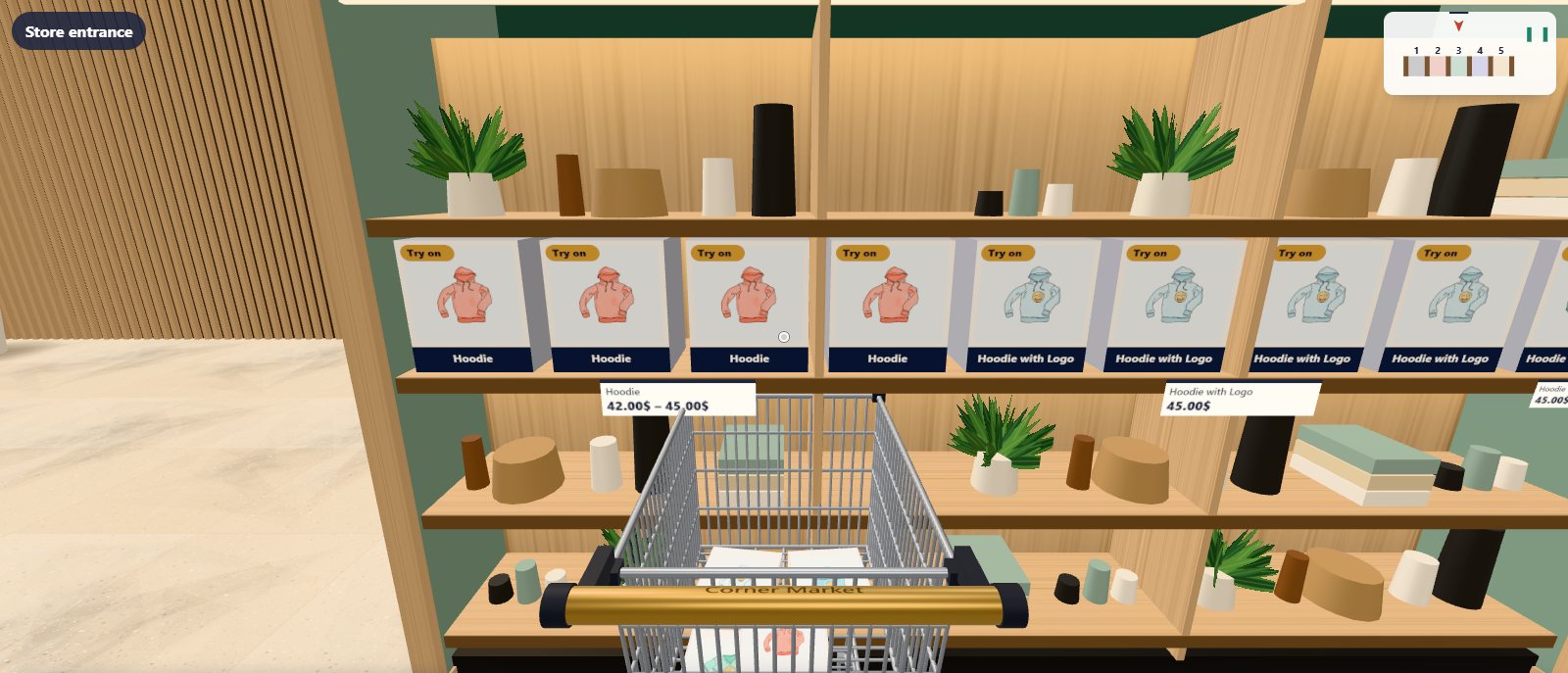
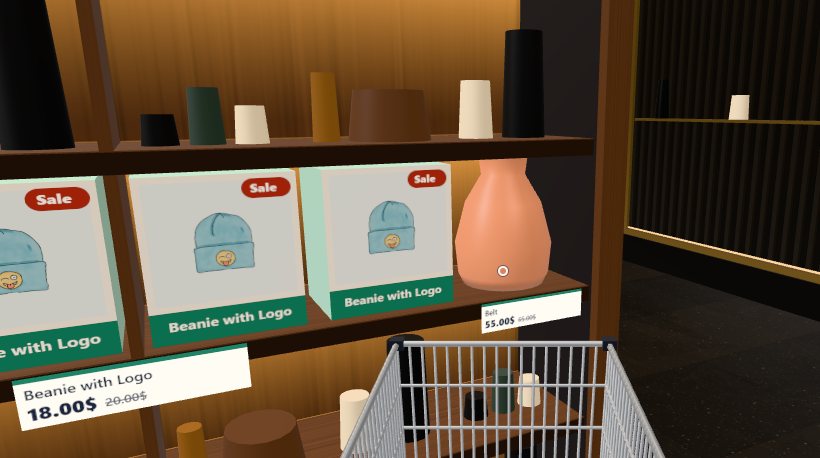
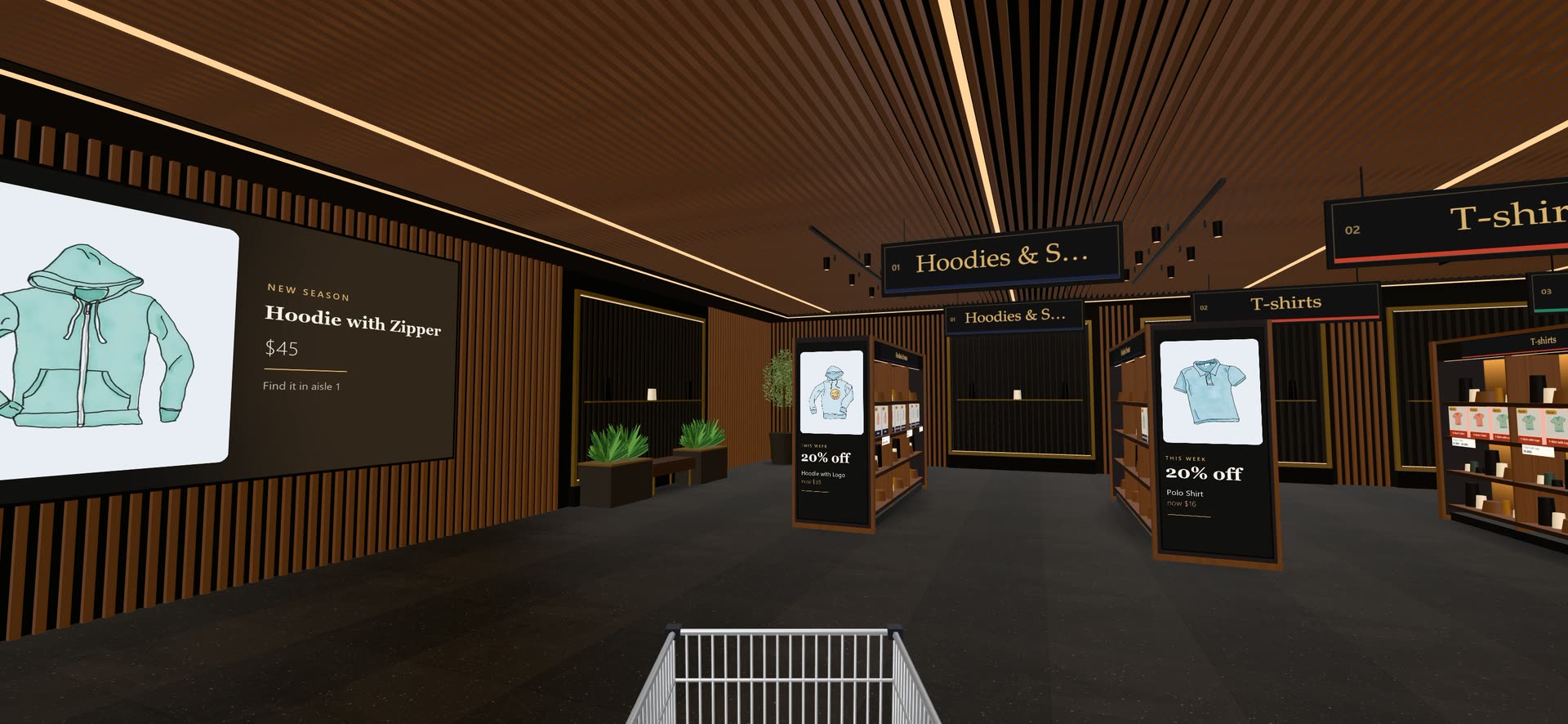
A virtual store answers a different question: “what else is in this shop?” Shoppers walk in, look down aisles, pick products off shelves and drop them in a trolley. It turns browsing into a visit, which suits shops where people like to look around before they buy.
Because a good virtual store builds itself from your catalogue and photos, it works with every product you sell from day one. In Aisleza, your categories become aisles automatically, the trolley is your real cart, and shoppers pay at your normal checkout.
When you need which#
- Your customers ask “how big is it?” or “what does the back look like?” Use a 3D product viewer for those products.
- Your customers like to browse, or you have more products than a page of photos can show well. Use a 3D virtual store.
- You sell large or tactile items and want people to explore the range. Use both: a virtual store to browse, a viewer on the key product pages.
Using both together#
Viewers and virtual stores don’t get in each other’s way: one lives on product pages, the other on its own store page. And they can share work. With Aisleza Pro, the same .glb models you made for a viewer can stand on the virtual store’s shelves instead of the photo boxes, and fashion shops can add dressed mannequins to clothing aisles. Products without a model simply keep their photo.
The short version: a viewer sells one product; a virtual store sells the shop. Start with whichever matches how your customers buy, and add the other when it helps. You can walk a virtual store now, or read our comparison of 3D virtual store plugins for WooCommerce.
Questions people ask
What is a 3D product viewer?
A 3D product viewer shows a 3D model of one product on its product page. Shoppers can spin it, zoom in and, on many phones, place it in their room with augmented reality (AR). It needs a 3D model file, usually .glb, for each product.
What is a 3D virtual store?
A 3D virtual store is a whole shop shoppers walk through on your website: your categories become aisles and your products sit on shelves. Some, like Aisleza, build it from your existing product photos, so no 3D files are needed.
Which is better for sales?
They help in different places. A viewer helps a shopper decide on one product they’re already looking at. A virtual store helps shoppers discover products, browse longer and enjoy the visit. Many shops benefit from both.
Can I use a 3D product viewer and a 3D virtual store together?
Yes. They don’t conflict: the viewer lives on product pages, the virtual store on its own page. With Aisleza Pro, the same .glb models you use in a viewer can also stand on the virtual store’s shelves.
How much do 3D models of products cost?
It varies a lot: from free (if your supplier provides them, or you scan products with a phone app) to a modelling studio’s price per product. That cost is why many shops start with a virtual store built from photos.
More guides
- Virtual showroom software that builds itself from your catalogMost virtual showroom software asks for 3D models, a design project and a monthly fee before a single shopper walks in. Here's what to look …
- The best 3D virtual store plugins for WooCommerce in 2026Want shoppers to walk through your WooCommerce shop in 3D? Here is every plugin that does it today, what each one is really like, and which …
- Shopify virtual store apps comparedLooking for a 3D or virtual store app for Shopify? Several well-known names have left the App Store, and the ones that remain work in very …
- How to add a 3D virtual store to your WooCommerce shopA step-by-step guide to turning your WooCommerce shop into a 3D store shoppers walk through, using your existing products and photos. It …
- What does a virtual showroom cost? Options for small shops, comparedA virtual showroom can cost nothing or half a million dollars. Here's what each kind costs in 2026, from free plugins to custom agency …
 Ready when you are
Give your shoppers
somewhere to go
Start free with the walk-in store. Add Pro for every skin, Ava, camera views and merchandising.