The walk-in 3D store
Your categories become aisles with hanging signs. Your products stand on lit shelves with price tags. Shoppers walk in, look around, pick things up and put them in the trolley, like a real shop.
- Each ticked category becomes an aisle, in the order you choose
- A sign label and colour for every aisle, with the category image if you like
- Sub-categories become filters inside their aisle
- Products appear as several facings with their catalog image
- Price tags on the shelf edge, sale prices included
- Free space is styled with decor, so a small catalog still looks stocked
Your categories, as aisles you can walk down
Tick the categories you want in the store and give each a position. Aisleza lays out one aisle per category with a hanging sign above the entrance and the aisle number on it.
A product in two ticked categories stands in both aisles, exactly like your shop. Sub-categories don’t need their own aisle: they appear as filters inside it, so a big Clothing aisle can still show only Hoodies.
- Order the aisles by number
- Rename any sign without renaming the category
- Choose a sign colour per aisle, or keep your brand accent
- Hide aisles that have no products, or show them
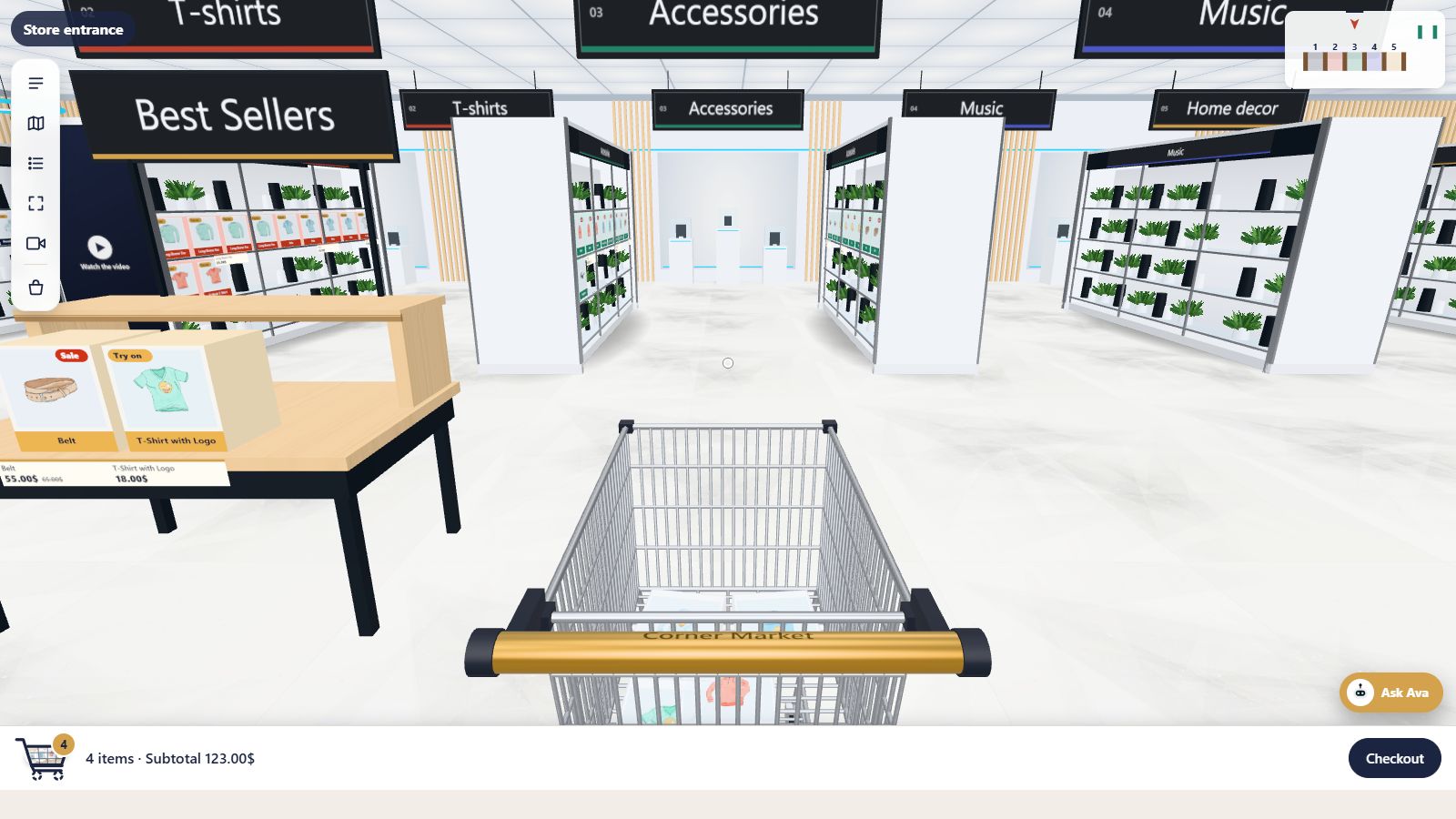
Faced up like a real shop
Every product stands on the shelf as several facings with its catalog picture, and its price tag sits on the shelf edge, with the old price struck through when it’s on sale.
Shelves show a set number of products at a time. Shoppers move to the next shelf for more, and only the shelf they are looking at is loaded, so even a large catalog stays quick.
- Products per shelf is a setting
- Sale and “Try on” badges on the box
- Lit shelves and soft shadows
- Decor fills empty space: vases, candles, plants and more
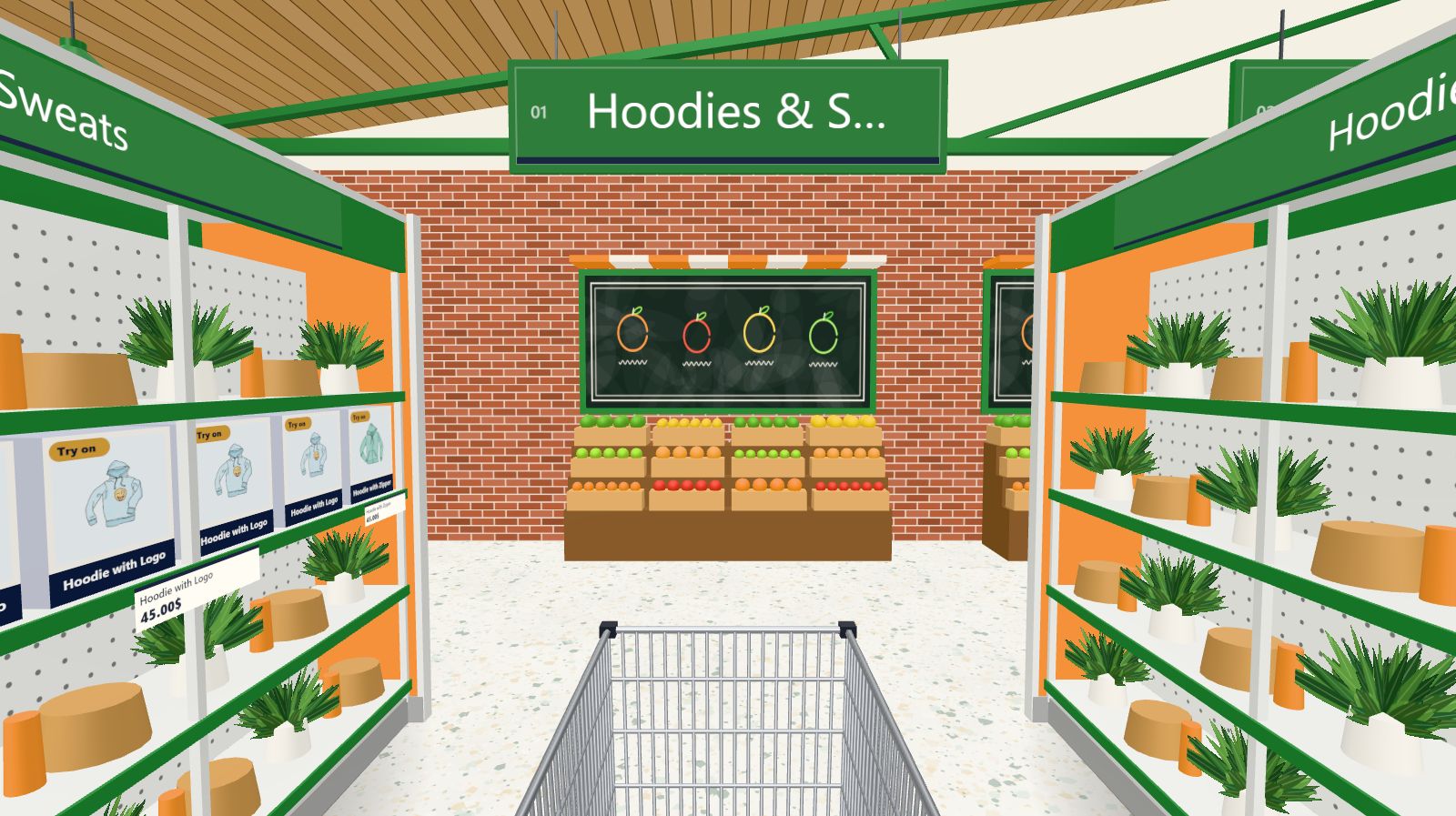
An entrance, a shop floor and checkout lanes
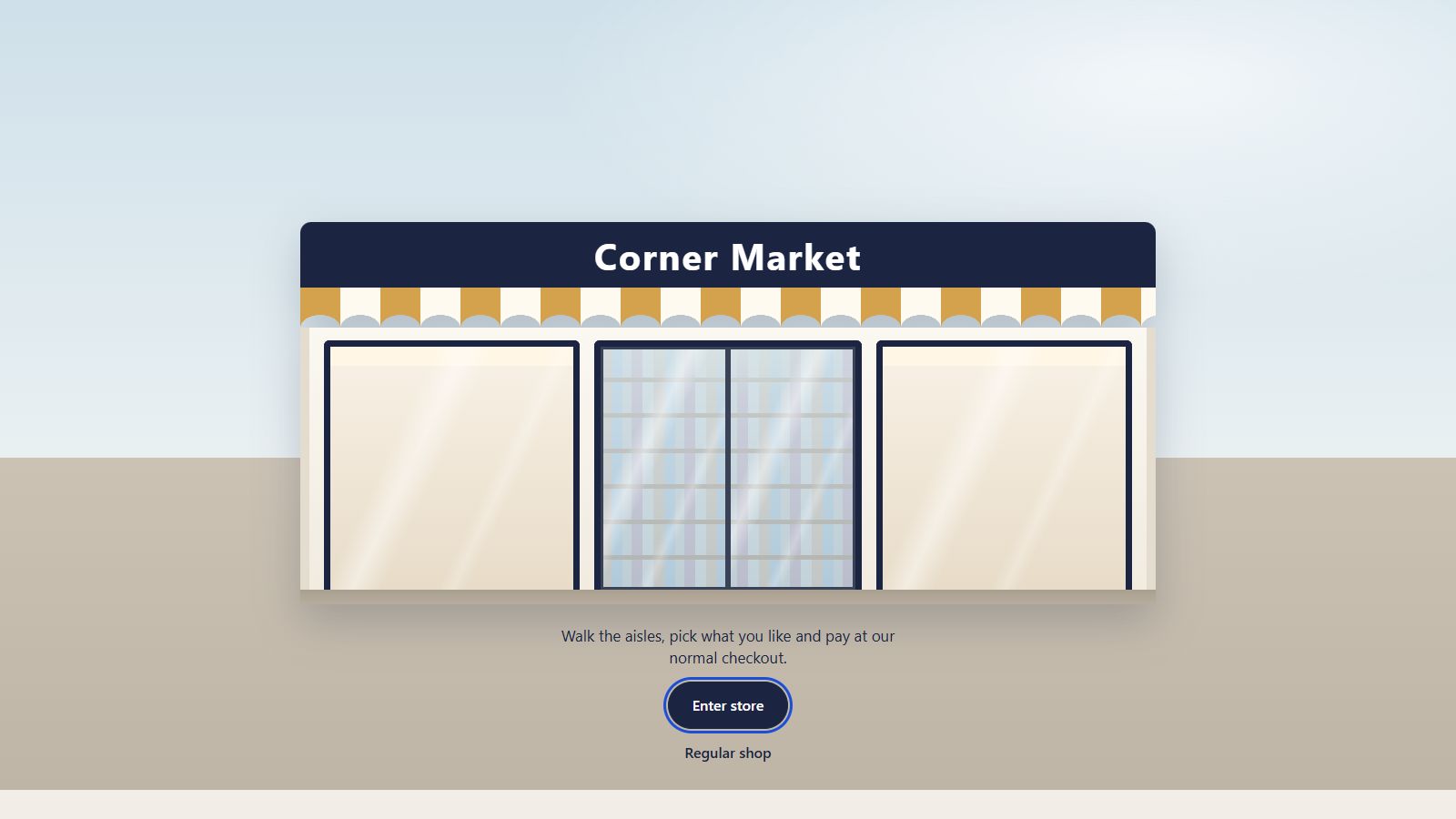
Shoppers arrive at a shop front with your store name over the door, choose to walk in, and take a trolley. Inside there are aisles, walkways, a back wall, and checkout lanes by the exit that lead to your normal checkout.
Your store name is on the entrance sign and the trolley handle. The Regular shop link is always one click away for anyone who prefers a grid.
Put the store anywhere on your site
One click creates a draft store page you publish when you’re ready. Or place the[aisleza] shortcode on any page, and [aisleza_link] for a button that leads to it.The specifics
| Requirements | WooCommerce today (WordPress 6.5+, PHP 7.4+); Shopify app coming soon |
|---|---|
| Shortcodes | [aisleza] (the store) and [aisleza_link] (a link to it) |
| Products | Simple and variable products, sale prices, stock, galleries |
| Loading | About 30 KB with the page; the 3D engine loads only when a shopper walks in |
| Browsers | Any modern browser with WebGL; others get the shelf wall view automatically |
| Your data | Nothing leaves your site; no external service, no cookies of its own |
Good to know
How many products can the store hold?
As many as your catalog. Shelves show a page of products at a time and load the next when a shopper moves on, so large catalogs stay fast.
Do I need 3D models of my products?
No. Products use the catalog images you already have, standing as boxes on the shelf with a price tag.
Can I choose which products go in?
You choose the categories. Every product in a ticked category is in its aisle; a product in two ticked categories is in both.
Does it change my menus?
Never. Add the store page to a menu yourself, or use the shortcode or the optional shop banner.
Goes well with
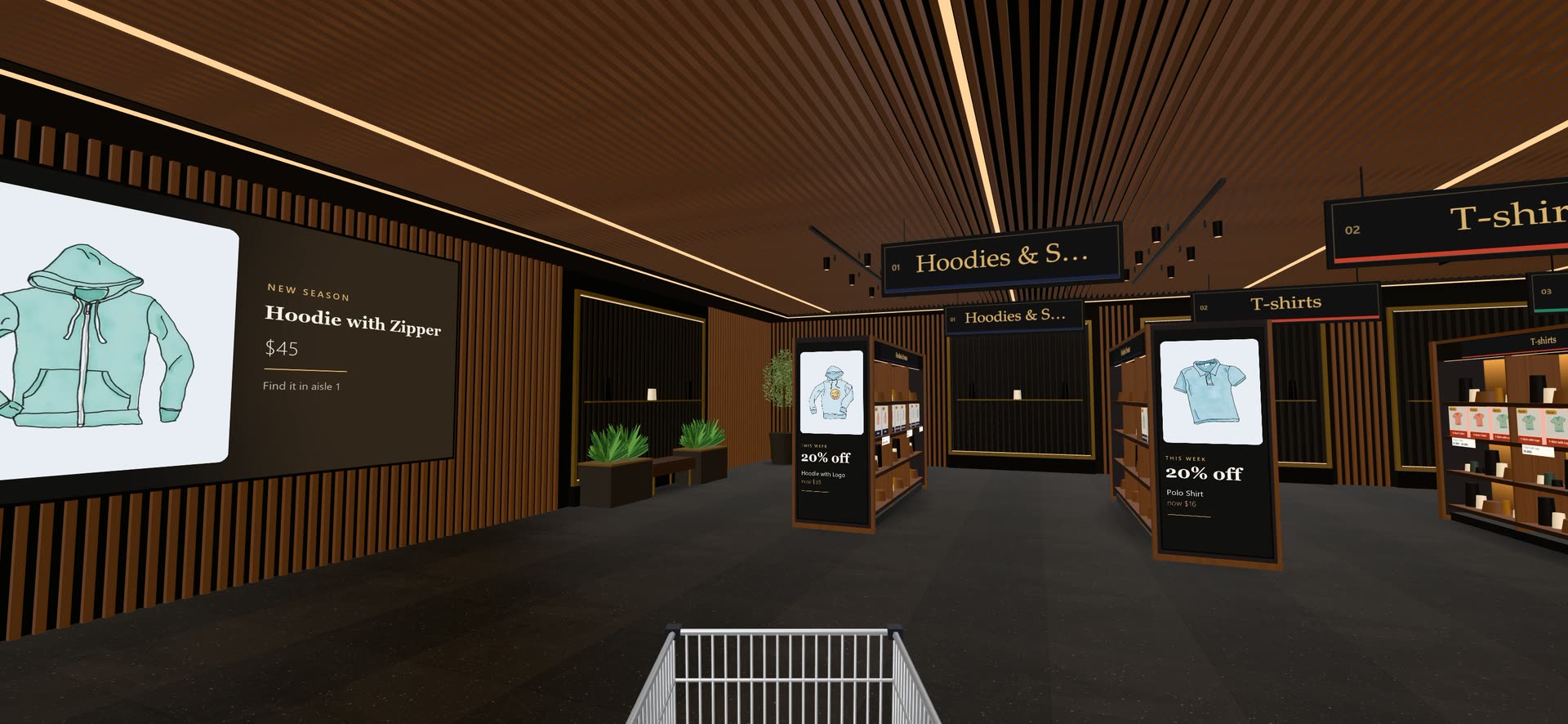 Ready when you are
Give your shoppers
somewhere to go
Start free with the walk-in store. Add Pro for every skin, Ava, camera views and merchandising.