The trolley is your cart
Shoppers push a real wire trolley through the store. What they pick lands in it, and it is your store’s own cart: same prices, taxes, stock and checkout. Nothing to reconcile, nothing to configure.
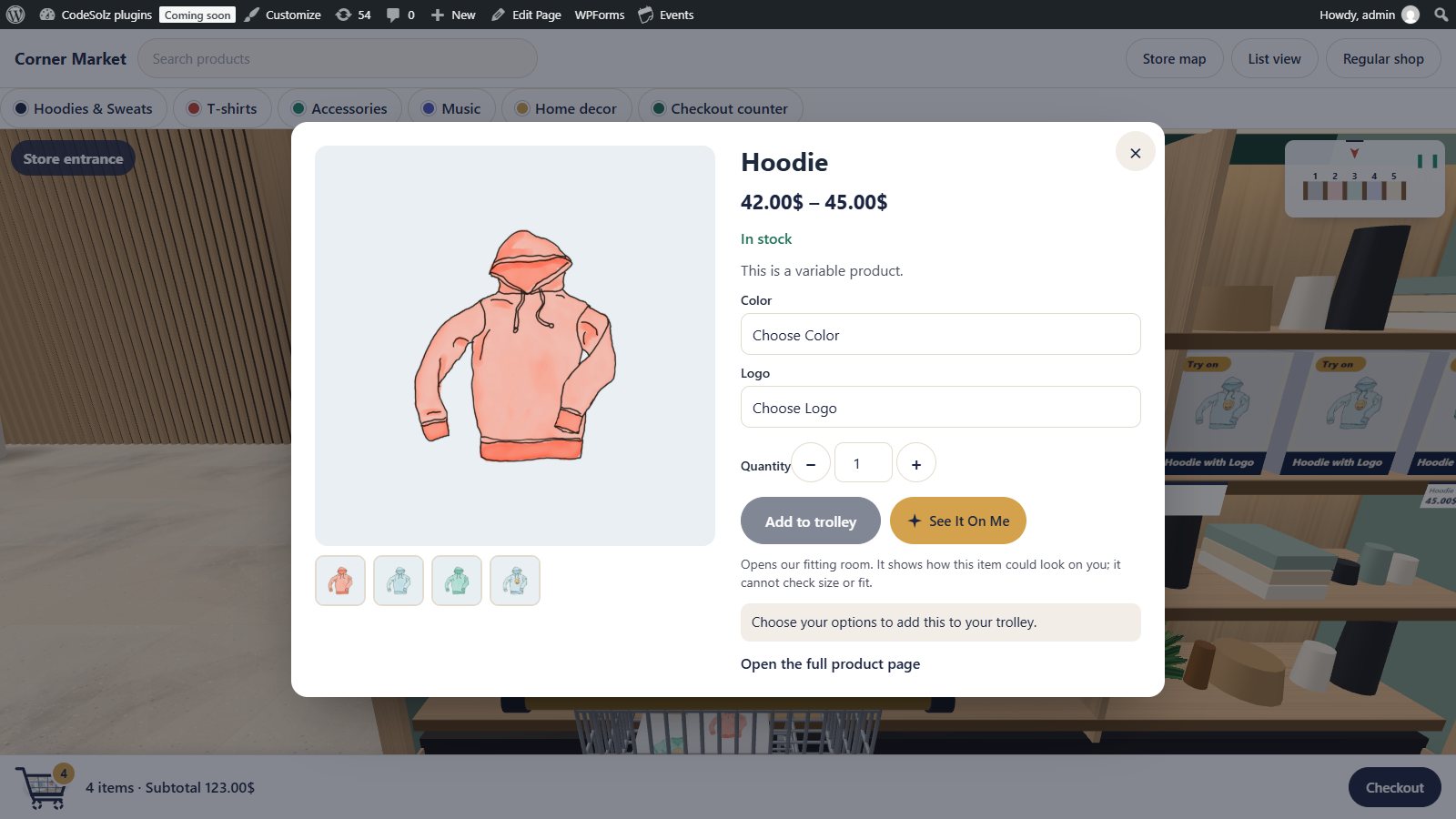
- Products appear inside the trolley as you add them
- A cart bar with the item count, subtotal and Checkout button
- A drawer for quantity, remove and subtotal
- Variable products show only option combinations that exist
- The trolley never drives into shelves: it slides along them
- Checkout lanes by the exit, and a checkout button any time
The product panel
Click any product on a shelf and its panel opens without leaving the aisle: gallery, price, stock, short description, options and quantity.
Variable products only offer the combinations you actually sell, so shoppers never pick a size and colour that doesn’t exist.
- Image gallery
- Price, sale price and stock
- Options for variable products
- Add to trolley, or open the full product page
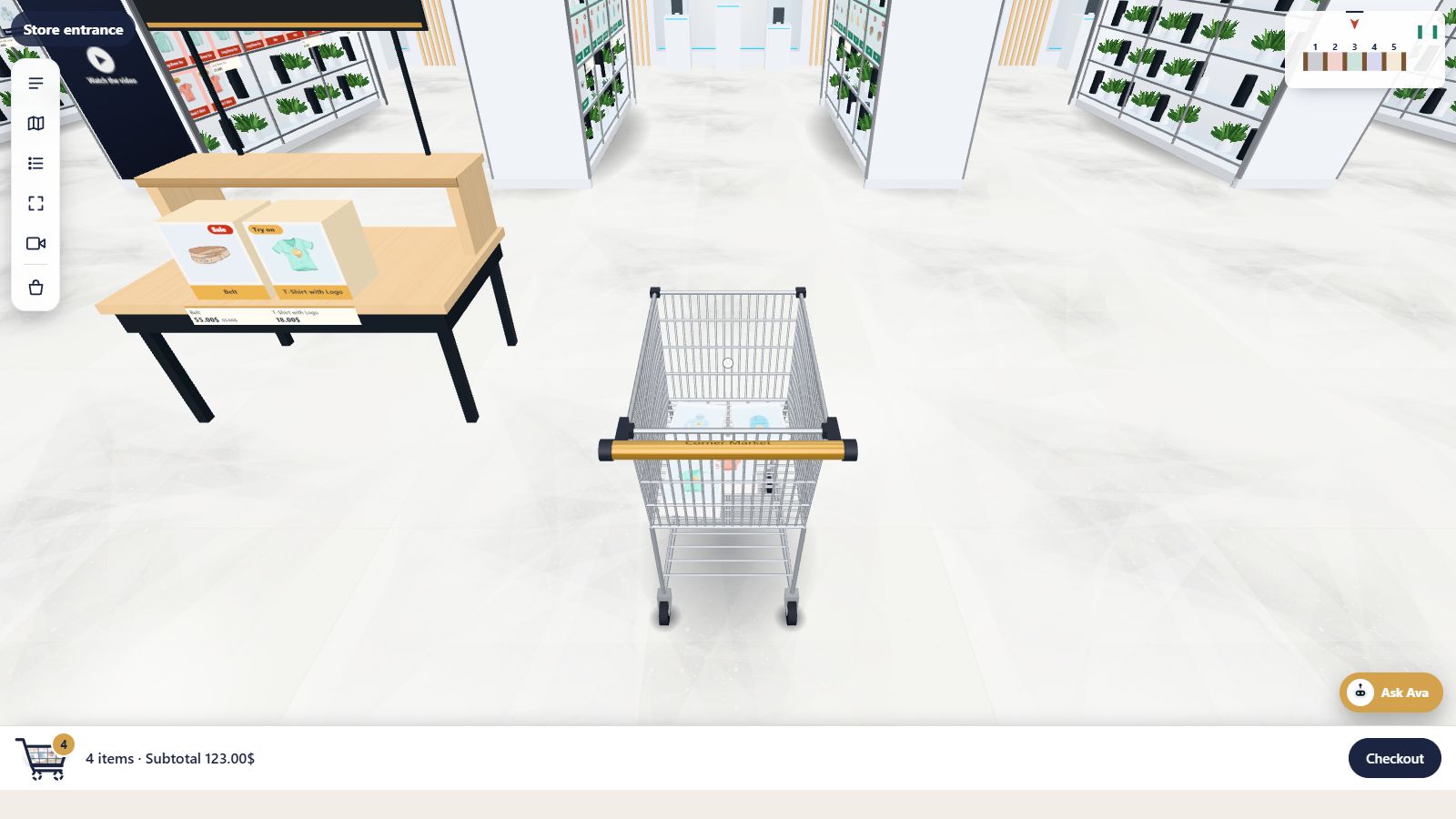
A trolley that behaves like one
The trolley is part of the scene: it turns with the shopper, carries the products they picked and slides along a shelf instead of driving through it. With the Pro camera views shoppers can even look at it from behind as they push it.
At the bottom of the screen a cart bar shows how many items are in it and the subtotal, with a Checkout button always within reach.
Your checkout, untouched
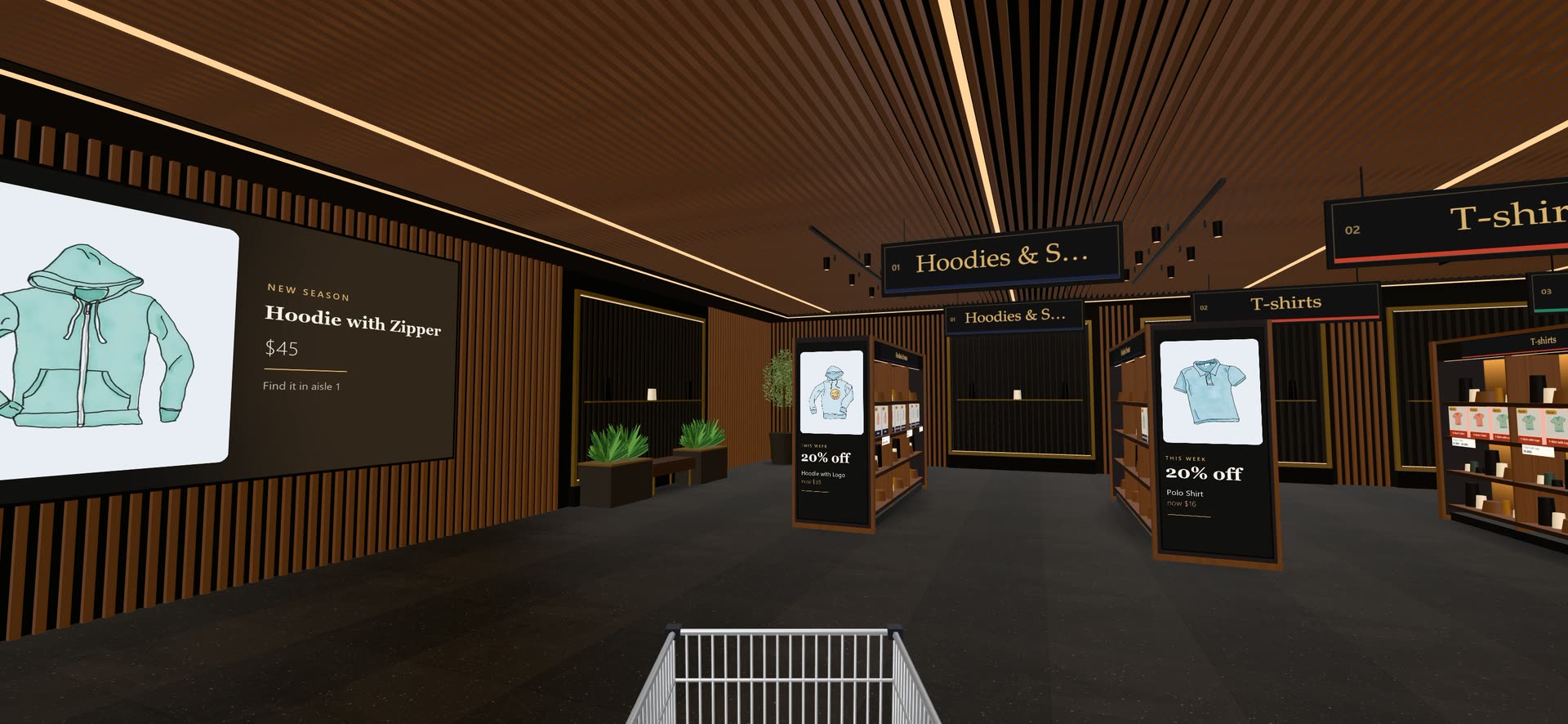
Checkout lanes stand by the exit. Walk through one, or press Checkout at any time, and the shopper arrives at your normal checkout with everything in their cart.
Coupons, shipping, taxes, payment gateways and order emails all work exactly as before, because nothing about them changed.
Good to know
Is the trolley a separate cart?
No. It is your store’s own cart. Add something in the store and it is in the cart on your normal shop pages too, and the other way round.
Does it work with my payment gateway?
Yes. Shoppers check out on your normal checkout page, so every gateway, coupon and shipping rule you already have keeps working.
Can shoppers change quantities in the store?
Yes, in the trolley drawer: change quantity, remove items and see the subtotal.
Goes well with
 Ready when you are
Give your shoppers
somewhere to go
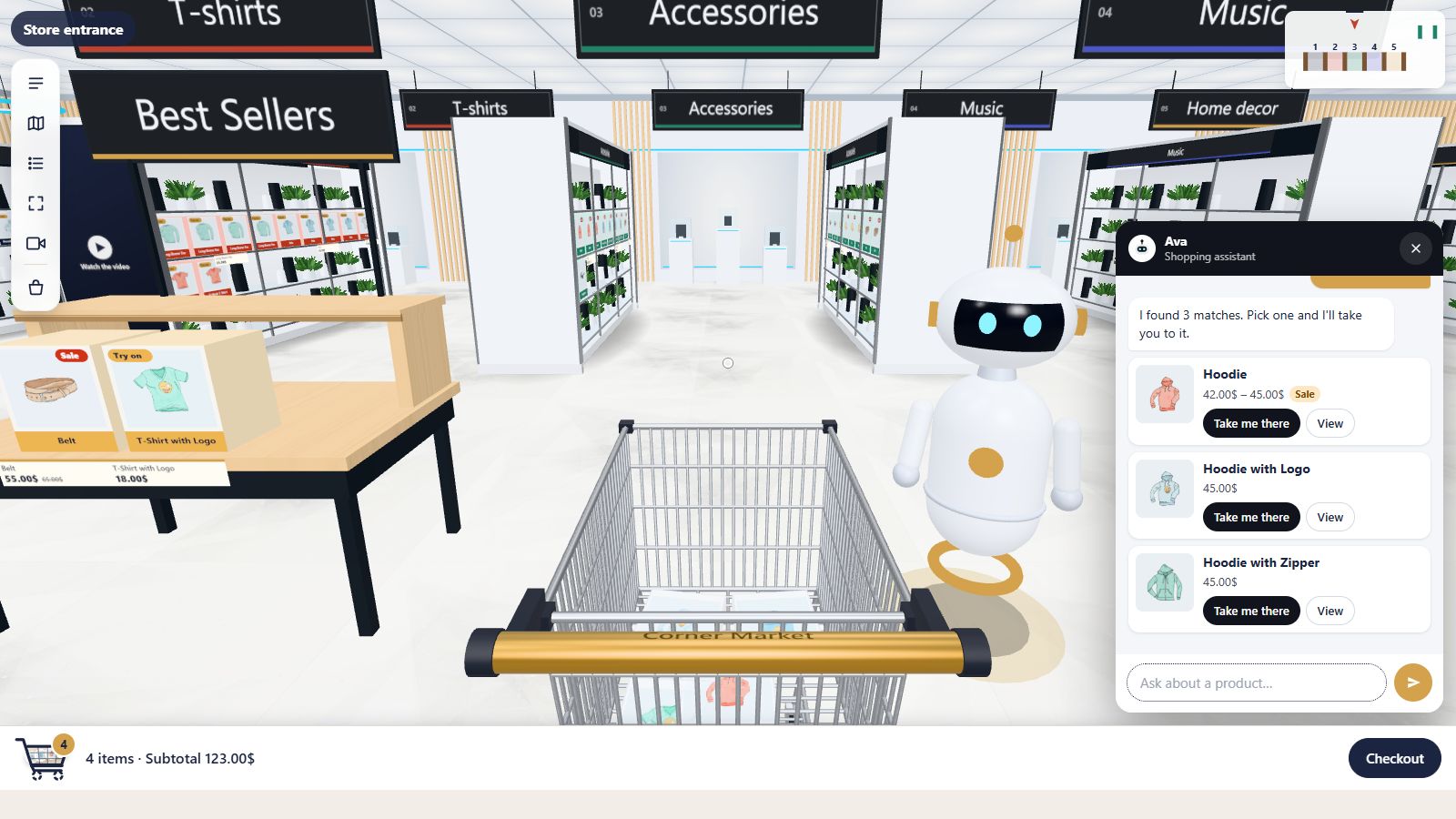
Start free with the walk-in store. Add Pro for every skin, Ava, camera views and merchandising.