The store designer
Start from any skin and make it yours: floors, walls and ceilings, shelving wood and light, brightness and decor, even your own pictures on the floor and walls. Every change appears in a live 3D preview as you make it.
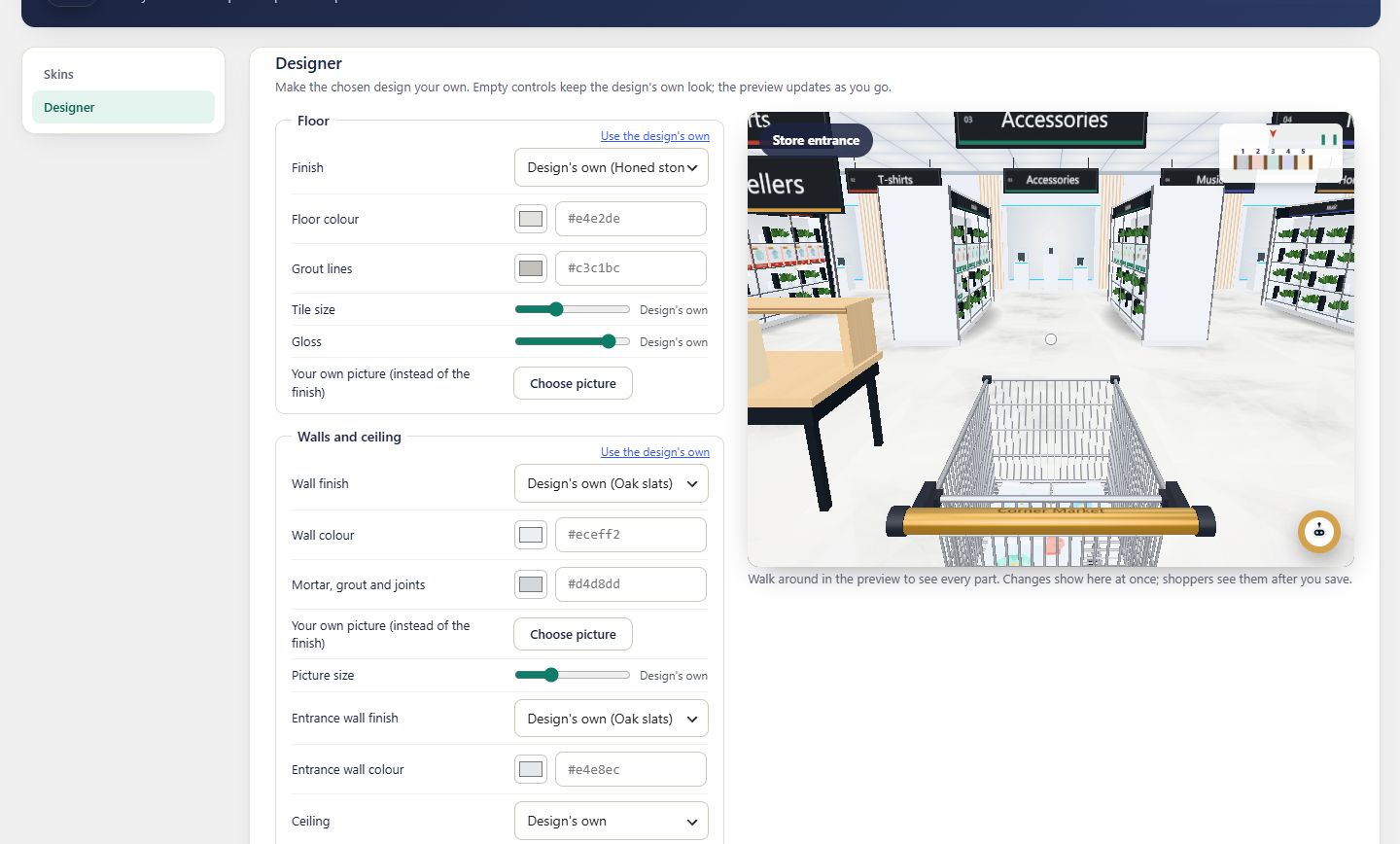
Live previewChanges show at once
8floor finishes
6wall finishes
5ceilings
4kinds of light fitting
- Floors: stone, planks, chevron, checker, terrazzo, concrete, marble, carpet
- Walls: oak slats, brick, plaster, concrete, panelling, metro tiles
- Ceilings with linear, pendant, spotlight or downlight fittings
- Your own Media Library pictures on floors and walls
- Shelf wood, shelf light colour and brightness, overall brightness
- Decor switches: shelf plants, hanging plants, olive trees, bench
Floor
Start from the ground up
Pick a finish, then its colour, grout lines, tile size and gloss. Want something nobody else has? Choose your own picture from the Media Library and it covers the floor instead.Walls & ceiling
The room around your products
Walls in oak slats, brick, limewash plaster, concrete panels, painted panelling or metro tiles, with a wall colour and a joint colour, and a separate finish for the entrance wall. Or put your own picture on the walls, repeated at the size you set.
Ceilings in oak slats, smooth plaster, coffered beams, an industrial deck with ducts or skylights over the aisles, lit by linear bars, pendants, spotlight tracks or recessed downlights.
Shelving, light & decor
The finishing touches
Set the shelf wood and end panel colours, the colour and brightness of the shelf lights and the overall brightness. Turn plants on the shelving, hanging plants, olive trees and the bench on or off.- Each group has “Use the design’s own” to undo just that part
- “Reset all” brings back the skin as it comes
- The design is an overlay: switch skins and what still applies is kept
Preview
See it before shoppers do
The preview is your real store, in 3D, beside the controls. Walk around in it while you change things; each change appears at once. Shoppers see the new design after you press Save design.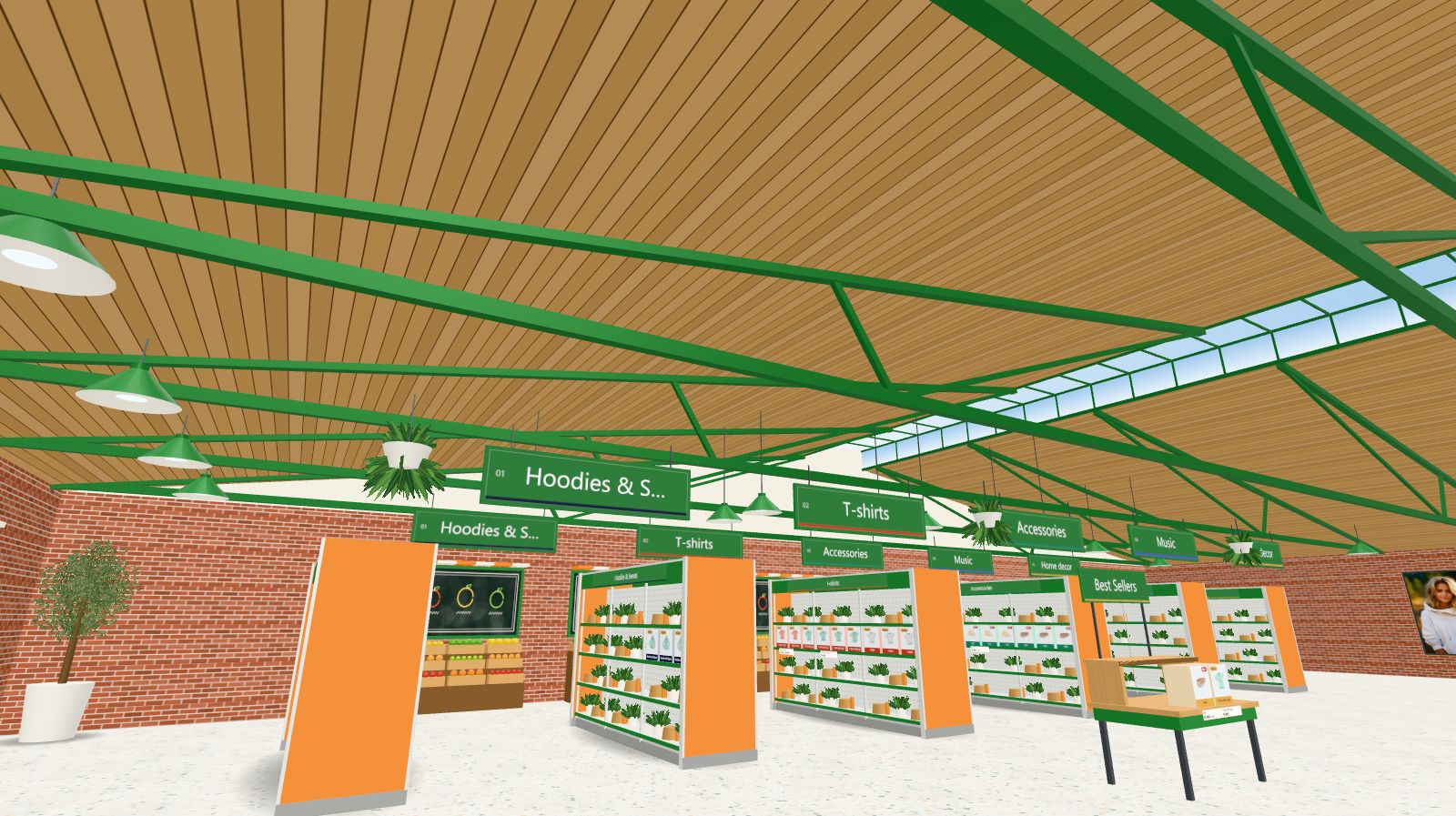
Keep exploring
Goes well with
 Ready when you are
Give your shoppers
somewhere to go
Start free with the walk-in store. Add Pro for every skin, Ava, camera views and merchandising.