TV screens and video adverts
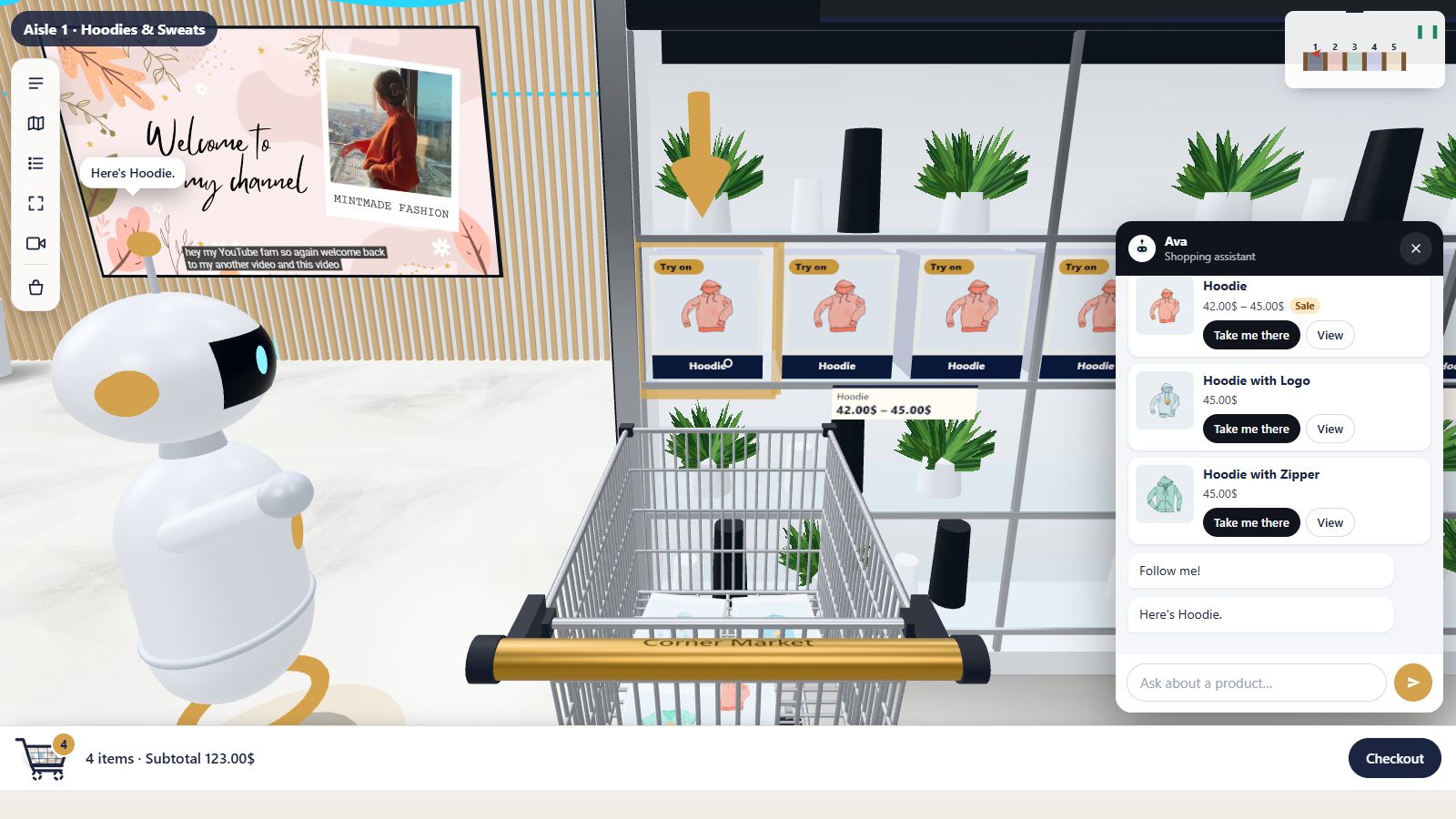
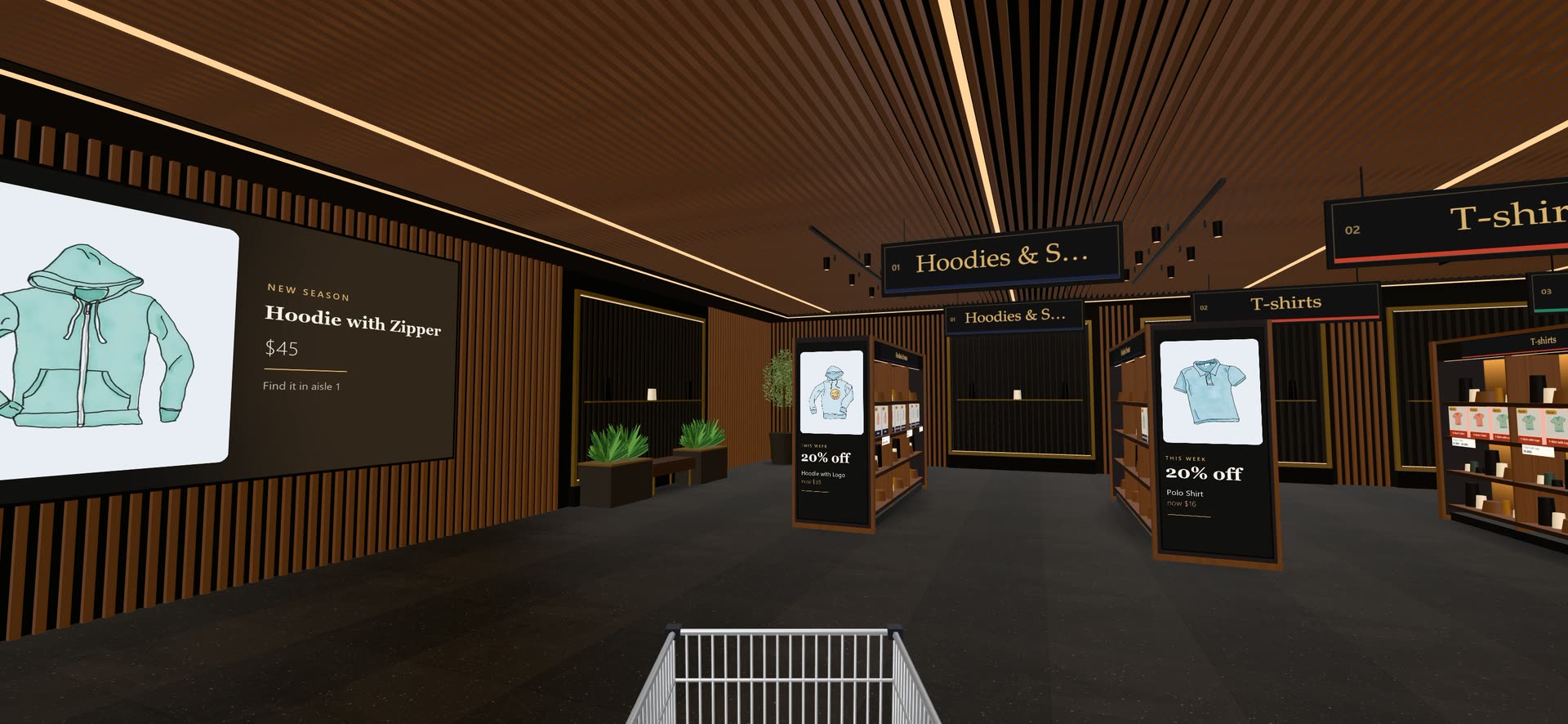
Motion catches the eye. Hang big TV screens on the walls playing your product videos, and on Business and Agency put vertical video adverts on the ends of your shelving, like digital signage in a real store.
- Screens on any wall, in the size you choose
- Your Media Library video (MP4 or WebM) or a YouTube link
- Autoplay muted, or start with sound
- A remote appears on hover: sound, volume, pause
- Shelf-end adverts fill each panel like a built-in screen
- Fill or Fit, with a still picture before playback
Big screens, real playback
Each screen plays the video on the screen itself. Use a video from your Media Library or paste a YouTube link. Choose autoplay so the video plays muted as shoppers come near, with a “Turn the sound on” button, or show a cover picture until someone clicks.
Hover a screen and a small remote appears, laid on the screen: play and pause, sound and volume. Videos pause when shoppers walk away.
Video adverts on the shelf ends
Play video adverts on the tall end panels of your shelving, front and back, filling each panel like a built-in screen. Vertical videos (9:16, like Reels or Shorts) suit the panels best.
Choose Fill to cover the whole panel, or Fit to show the whole video with dark bars, and a still picture to show before it plays. Only the panels nearest the shopper play at once, muted; the remote turns the sound on.
- Pick ends one by one, or all front or all back ends
- Media Library video or YouTube link
- Still picture before playback
- Smart playback keeps the store smooth
Made not to slow anything down
Video is the heaviest thing a page can play, so Aisleza is careful with it. Only a couple of YouTube players run at once (one on phones), screens in sight come first, and a muted video out of view is paused. Screens in front of Ava and other objects are layered correctly, so nothing ever disappears behind a wall of video.Good to know
Why doesn't a video start with sound?
Browsers only allow sound after the shopper has interacted with the page. Entering the store counts; if a browser still refuses (mostly iPhones), the video plays muted with a button to turn the sound on.
Does YouTube track my shoppers?
YouTube videos are embedded from YouTube’s privacy-enhanced domain, and only on screens you set up with a YouTube link.
Goes well with
 Ready when you are
Give your shoppers
somewhere to go
Start free with the walk-in store. Add Pro for every skin, Ava, camera views and merchandising.