Every device. Every shopper.
Desktop, tablet or phone; keyboard, mouse or thumb. Aisleza adapts to the device in hand, and keeps a plain, accessible way through the catalog for anyone who wants one.
4ways to move: keys, mouse, touch, joystick
3views: 3D, shelf wall, list
10 msframe time on a slowed phone
1 tapto the regular shop
- Walk with the arrow keys or W A S D, look by dragging
- Click the floor to walk there
- An on-screen joystick on touch screens
- A lighter 3D view on phones
- Shelf wall view for older devices, automatic without 3D
- List view and keyboard access to every aisle’s products
Controls
Natural on any input
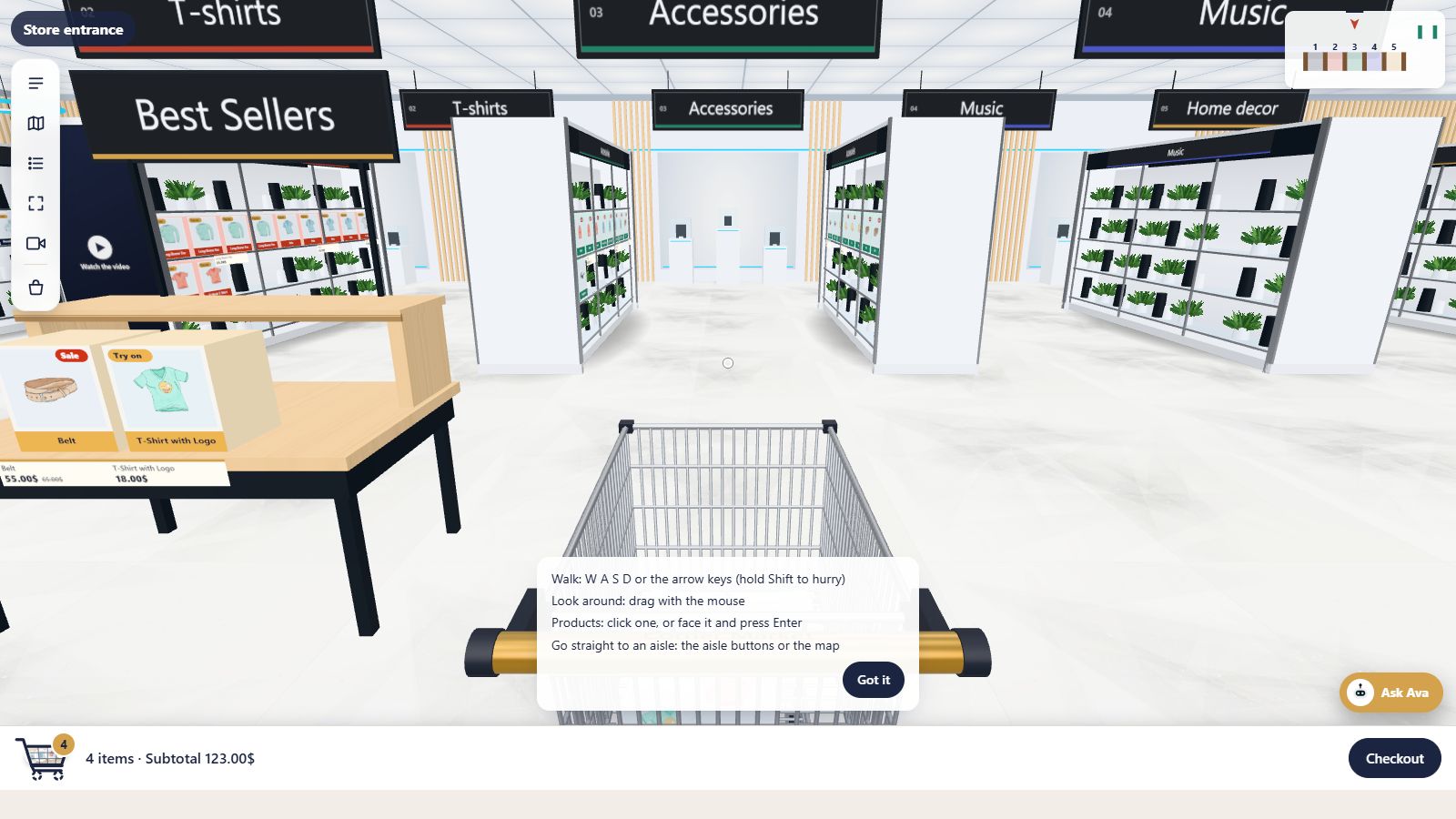
On a computer, shoppers walk with the arrow keys or W A S D and drag to look around, or simply click the floor to walk there. On a phone or tablet, an on-screen joystick does the walking and a swipe does the looking.
A short help card explains the controls the first time, and Ava can explain them again on request.
Phones
Made for small screens
Phones get a lighter 3D view tuned for mobile chips, with shimmer-free textures on thin details. Every skin is checked on a phone with a slowed-down processor before release.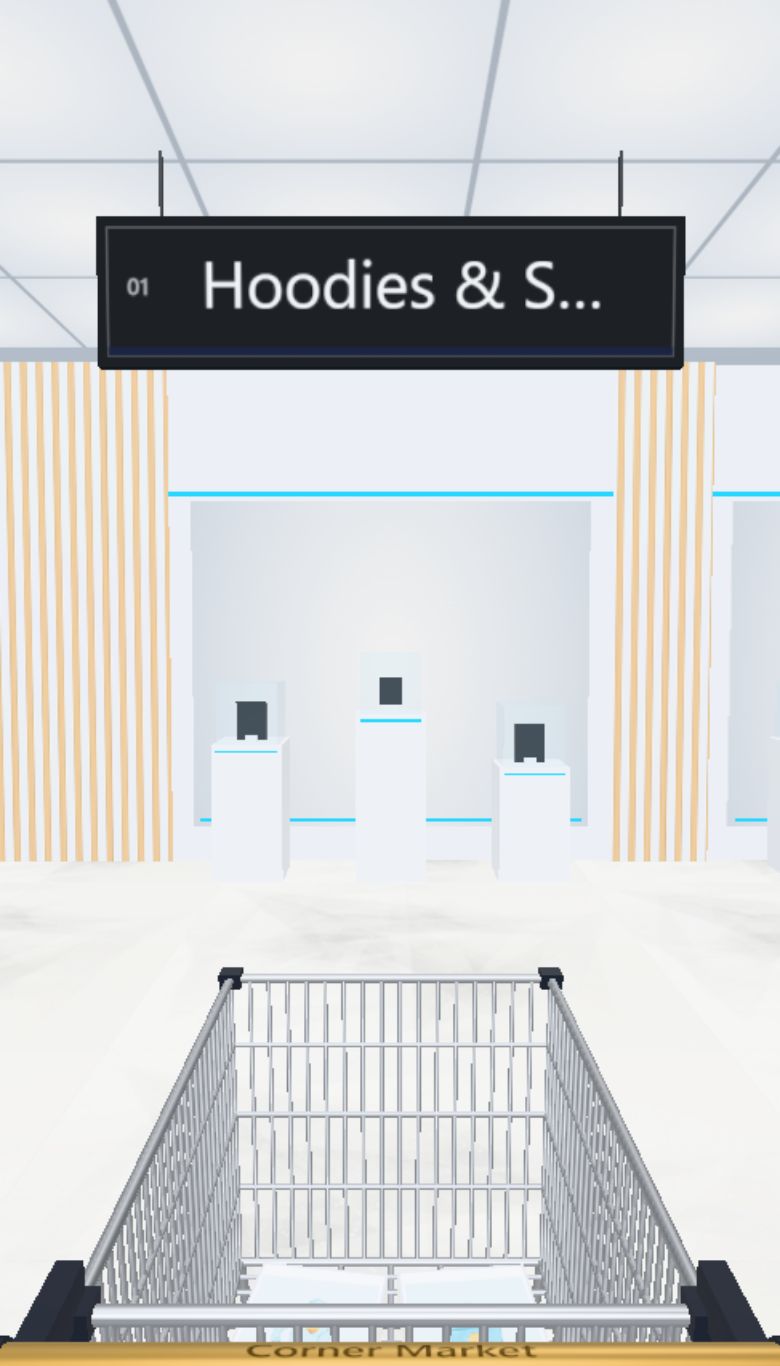
Accessible
A way through for everyone
Not everyone wants to walk a 3D store, and some can’t. Aisleza always offers alternatives:List viewA plain product list, one click away.
Keyboard accessReach each aisle’s product list without the mouse.
Shelf wallOne aisle at a time on a flat shelf.
Regular shopYour normal shop is always one click away.
Keep exploring
Goes well with
 Ready when you are
Give your shoppers
somewhere to go
Start free with the walk-in store. Add Pro for every skin, Ava, camera views and merchandising.