Camera views: shop the way you like
Some shoppers like to see the trolley in front of them, some like to watch it from behind, and some just want to wander. Camera views let every shopper pick, with one button or the V key.
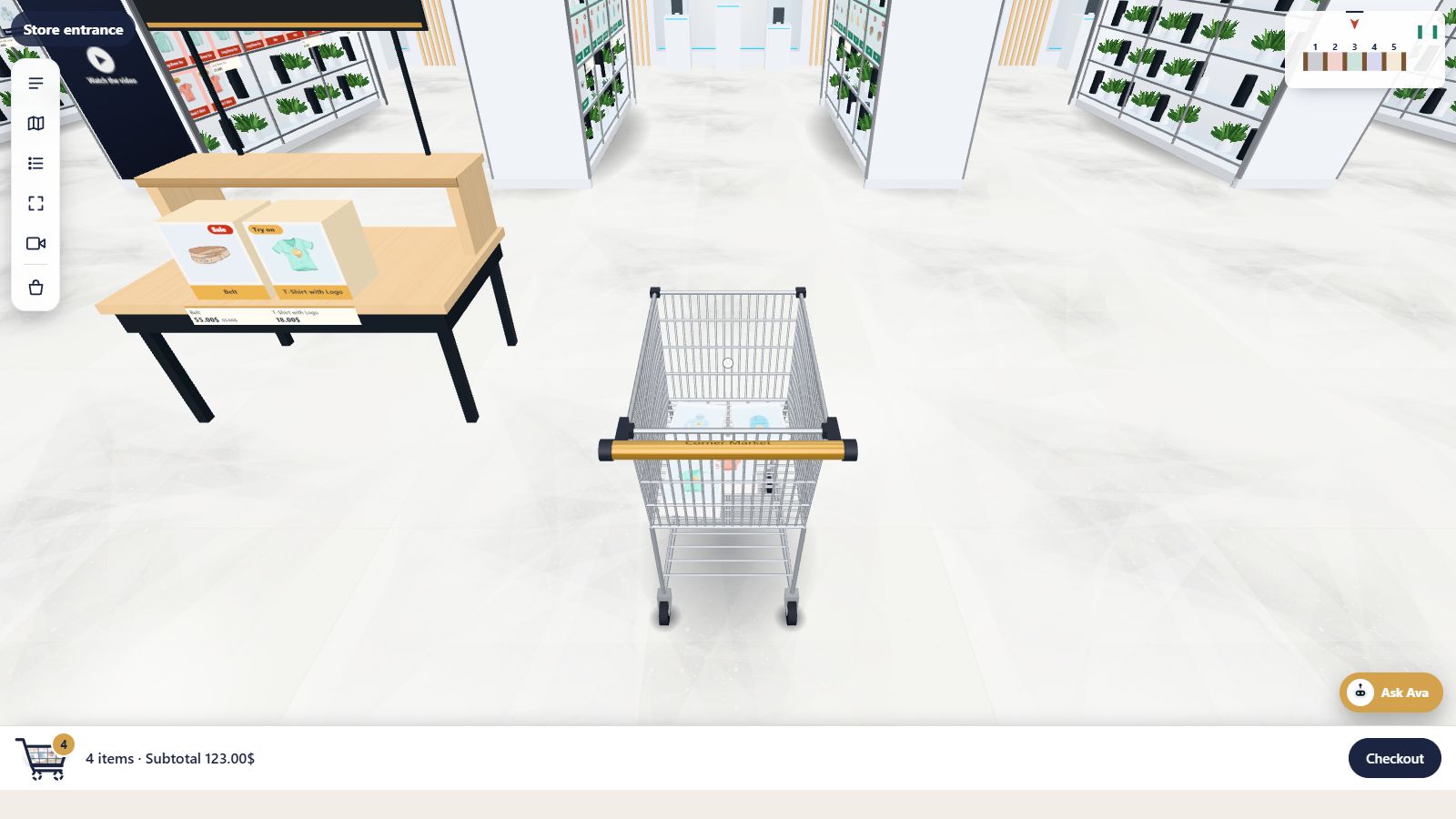
Over the trolleyPress V to switch
3views to choose from
Vkey to switch, or one button
Any timeswitch while shopping
Everydevice, mouse or touch
- Classic view: the trolley handle in front of you
- Over the trolley: watch your trolley from above and behind
- Walk freely: no trolley, just you and the shelves
- Switch from the toolbar or with the V key
- Switch any time, even mid-aisle
- The trolley still collects everything you pick
Classic
Hands on the handle
The view most shoppers start with: the trolley handle at the bottom of the screen, the aisles ahead. It feels like pushing a real trolley, and the products you add appear in the basket in front of you.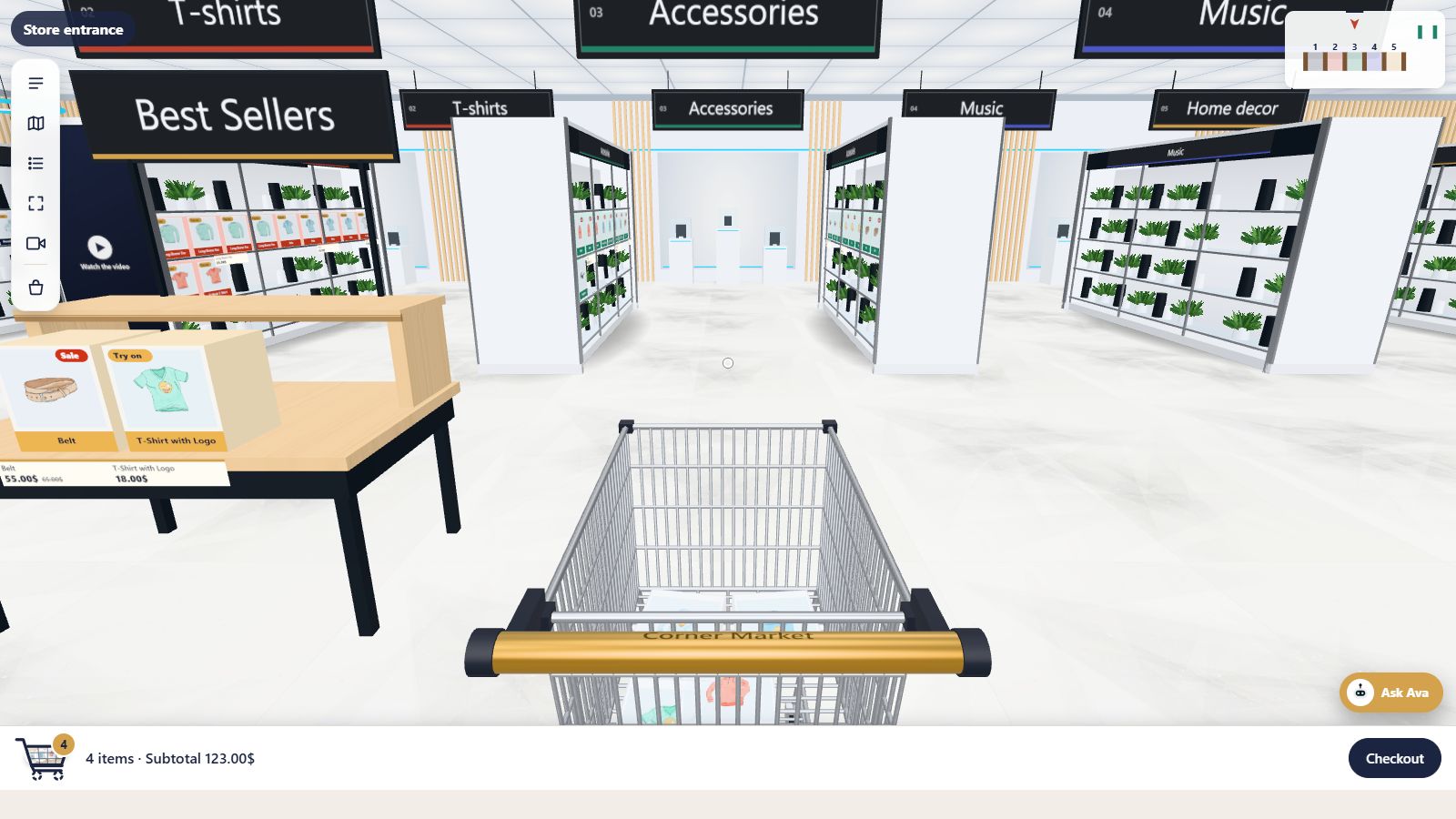
Over the trolley
See the whole trolley
The camera rises behind and above the trolley, so shoppers see where they are steering and what they have picked. It is great for getting around a big store and for showing off the trolley filling up.Walk freely
Just wander
No trolley in sight: a clean, wide view for browsing shelves and posters. Everything a shopper picks still goes in the cart, and the cart bar still shows the count and subtotal.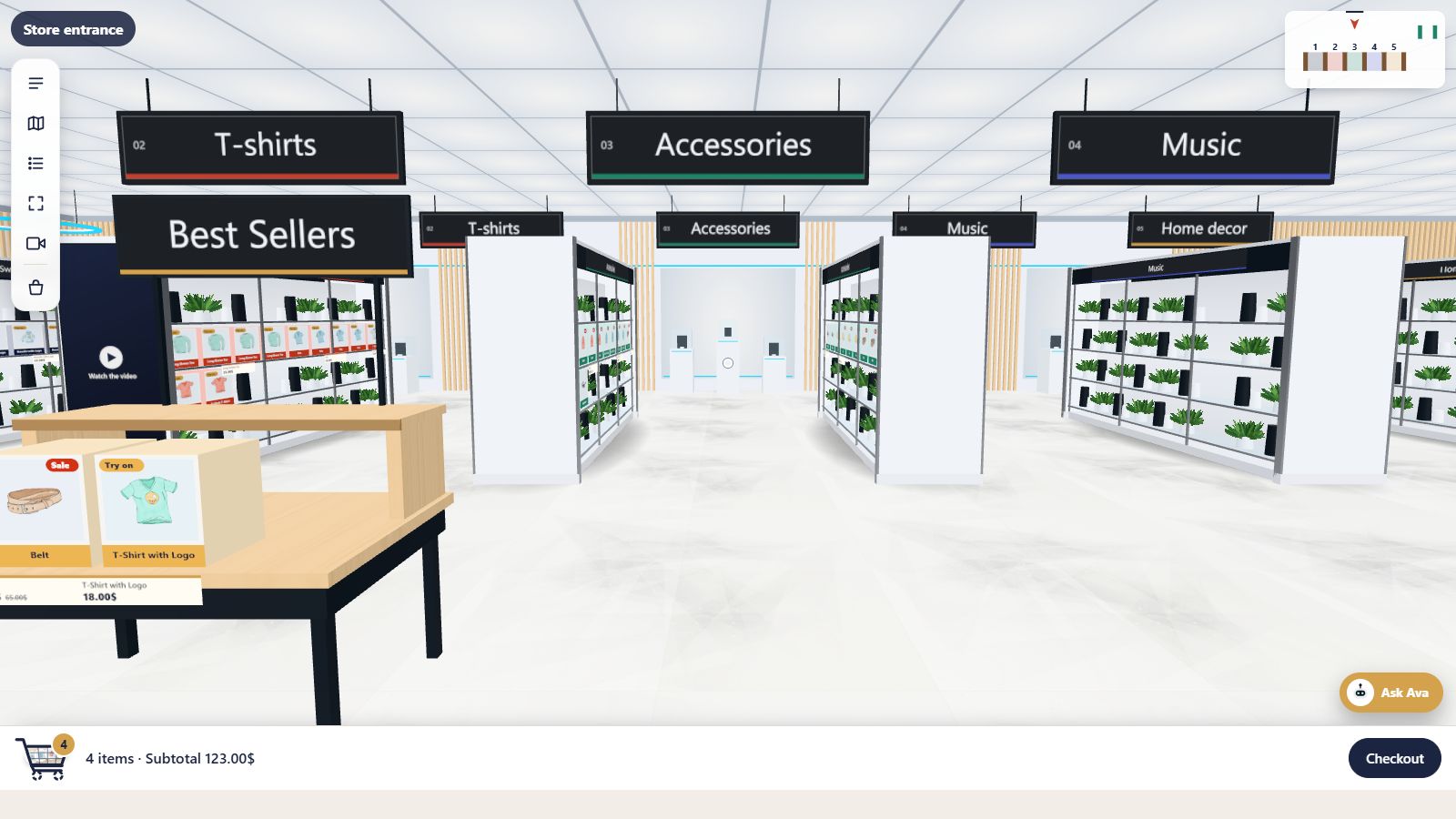
Questions
Good to know
Which view do shoppers start in?
The classic view. They can switch at any time from the toolbar’s camera button or with the V key.
Does the trolley still work when walking freely?
Yes. Products still go into the cart; the trolley is simply out of view.
Keep exploring
Goes well with
 Ready when you are
Give your shoppers
somewhere to go
Start free with the walk-in store. Add Pro for every skin, Ava, camera views and merchandising.