Your brand, on every sign
Make the store unmistakably yours. Your logo goes on the entrance sign, above the doors and on the trolley handle. Your colours go on the aisle signs and end panels, in the font that fits your brand.
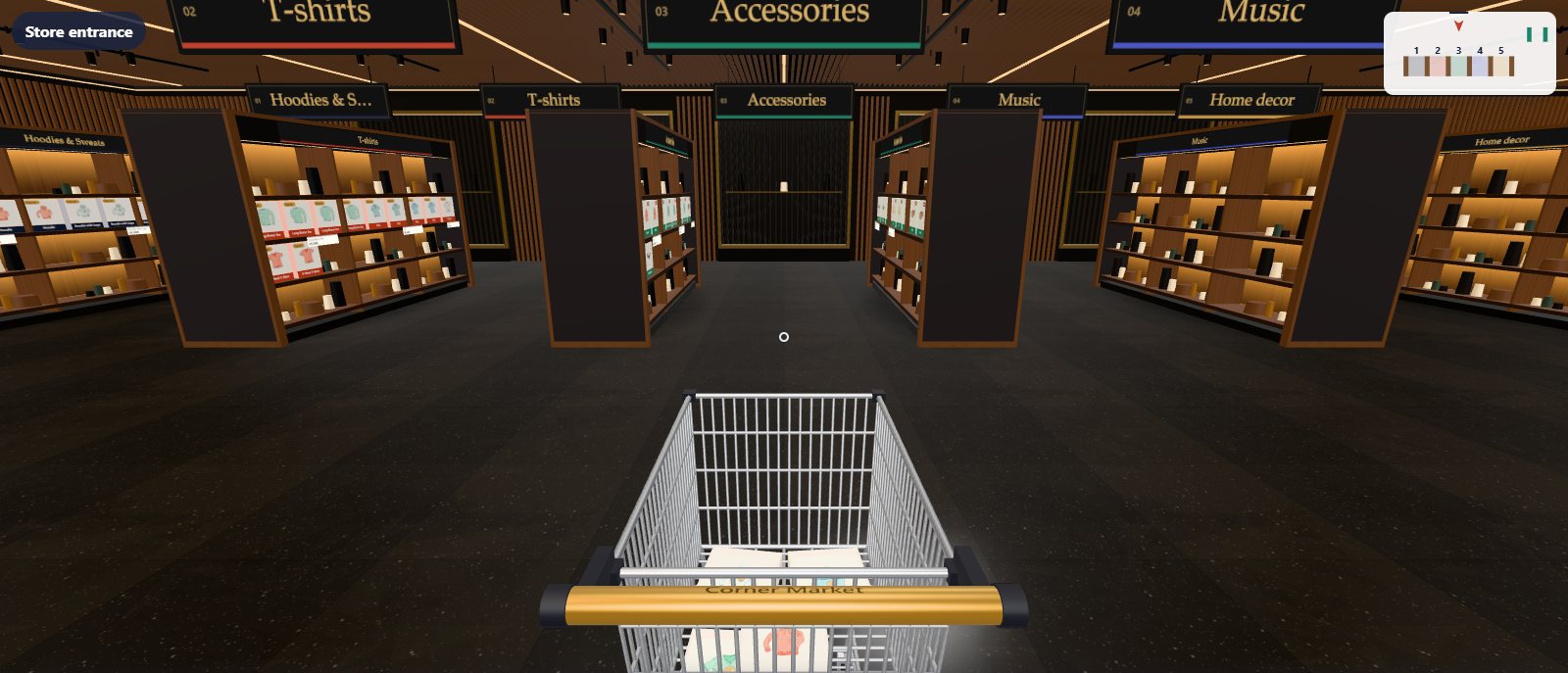
3places for your logo
3brand colours
2sign fonts
1click back to the design's own
- Logo beside the store name on the entrance sign
- Logo above the doors and on the trolley handle
- Sign colour and sign lettering colour
- Aisle end panel colour
- Serif or sans-serif sign font
- Works on top of any skin; empty fields keep the skin’s look
Logo
Your logo where shoppers look
Choose a PNG, JPEG or WebP from your Media Library, ideally on a transparent background. Aisleza places it beside the store name on the entrance sign, above the doors and on the trolley handle, sized for the GPU so it stays crisp without slowing anything down.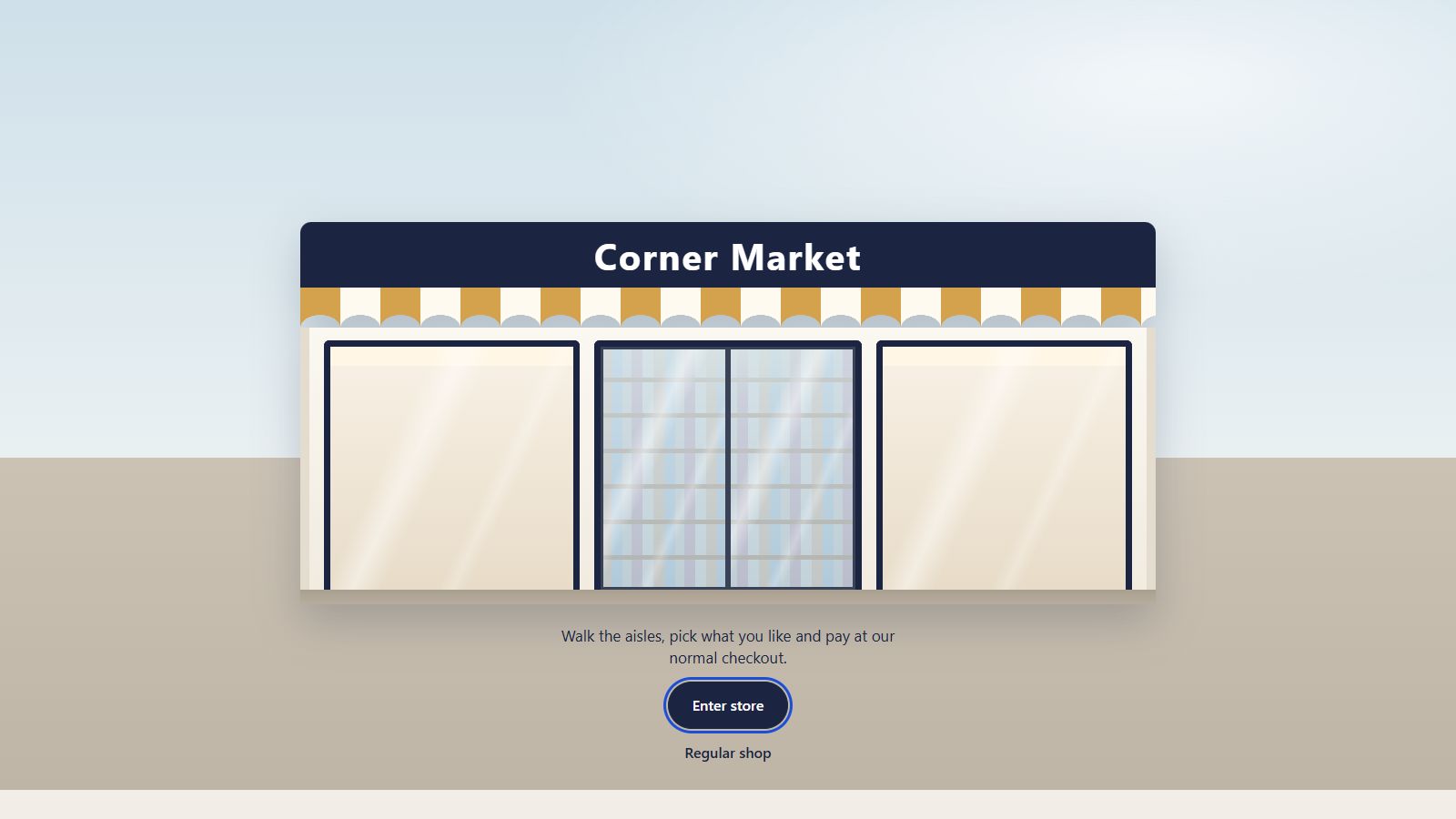
Colours
On top of any skin
Set the sign colour, the sign lettering and the aisle end panels. Branding sits on top of the chosen skin, so switching skins keeps your brand, and any empty field keeps the skin’s own colour. One click resets everything to the skin’s defaults.Keep exploring
Goes well with
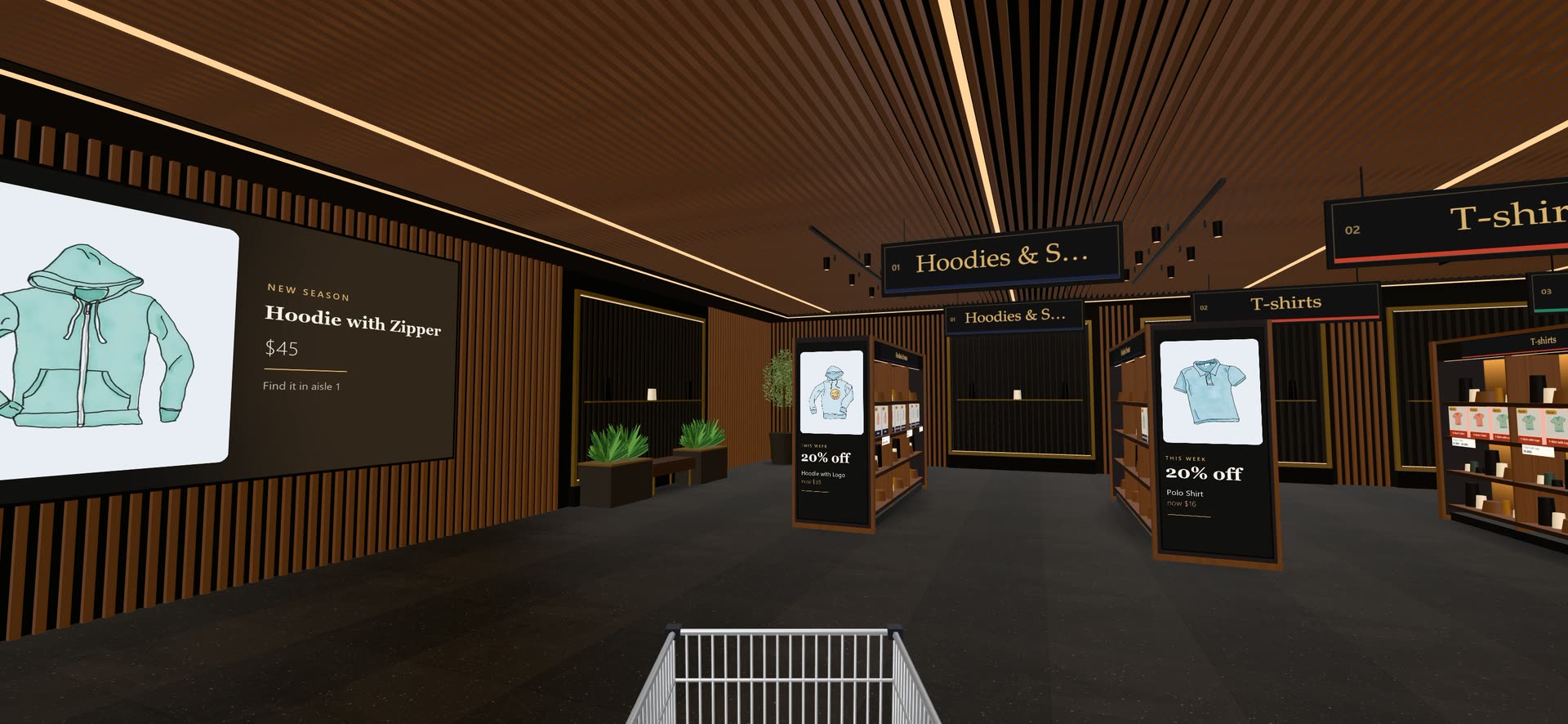 Ready when you are
Give your shoppers
somewhere to go
Start free with the walk-in store. Add Pro for every skin, Ava, camera views and merchandising.