Aisleza for Wix
Aisleza is on the Wix App Market. Your Wix Stores categories become aisles and your products stand on real shelves, with prices, options and stock straight from your store. Shoppers walk in, pick products off the shelf and pay with your normal cart and checkout. Drag the store onto any page in the editor, with no code.
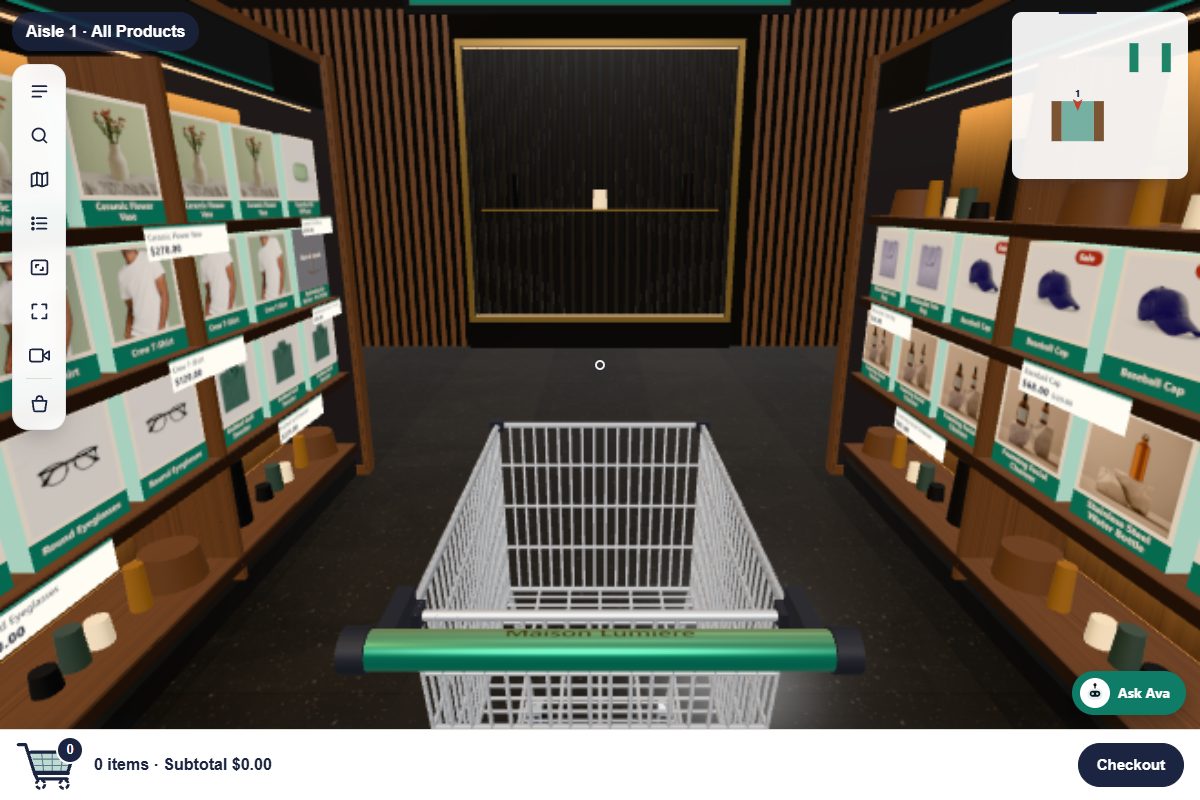
- Your categories become the aisles; you choose which in the store’s settings
- Real prices, sale prices, options and stock from Wix Stores
- The trolley is your Wix cart, and checkout is your site’s own
- Store name, accent colour, 3D or shelf-wall view in the editor
- Floating toolbar, aisle drawer, search, store map and list view
- Keyboard, mouse, touch and joystick, on phones and computers
- Loads after your page, and the 3D world only when shoppers enter
- The Boutique interior on the free plan
An element in your editor
Install the app, then open the editor: Add Elements → App Widgets → Aisleza 3D Store, and drag it onto a page. Select it and click Settings to choose the store name, colour, view and which categories become aisles. Publish, and the store opens on your live site.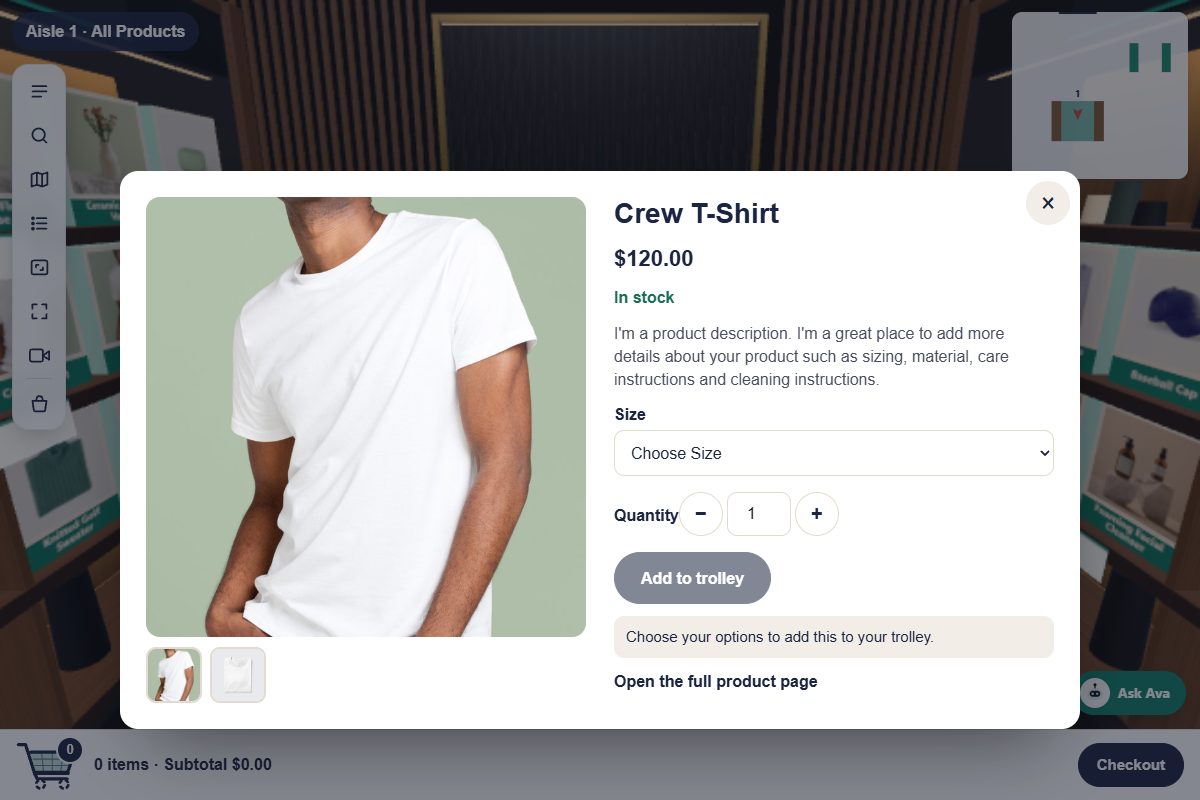
Everything Pro does, on your plan
One app, with plans billed by Wix. Skins and colours are in the store’s settings in the editor; merchandising, the Store designer and Ava are on the app’s page in your dashboard, using pictures and videos from your site’s Media Manager.A shopping assistant who knows your catalogue
Shoppers ask, and Ava finds the products in your store and walks them to the shelf: what’s on sale, what’s new, something under a budget, or the checkout. On Business and Agency she can chat naturally using your own Claude or OpenAI key, kept in your site’s Secrets Manager and talking only about your products.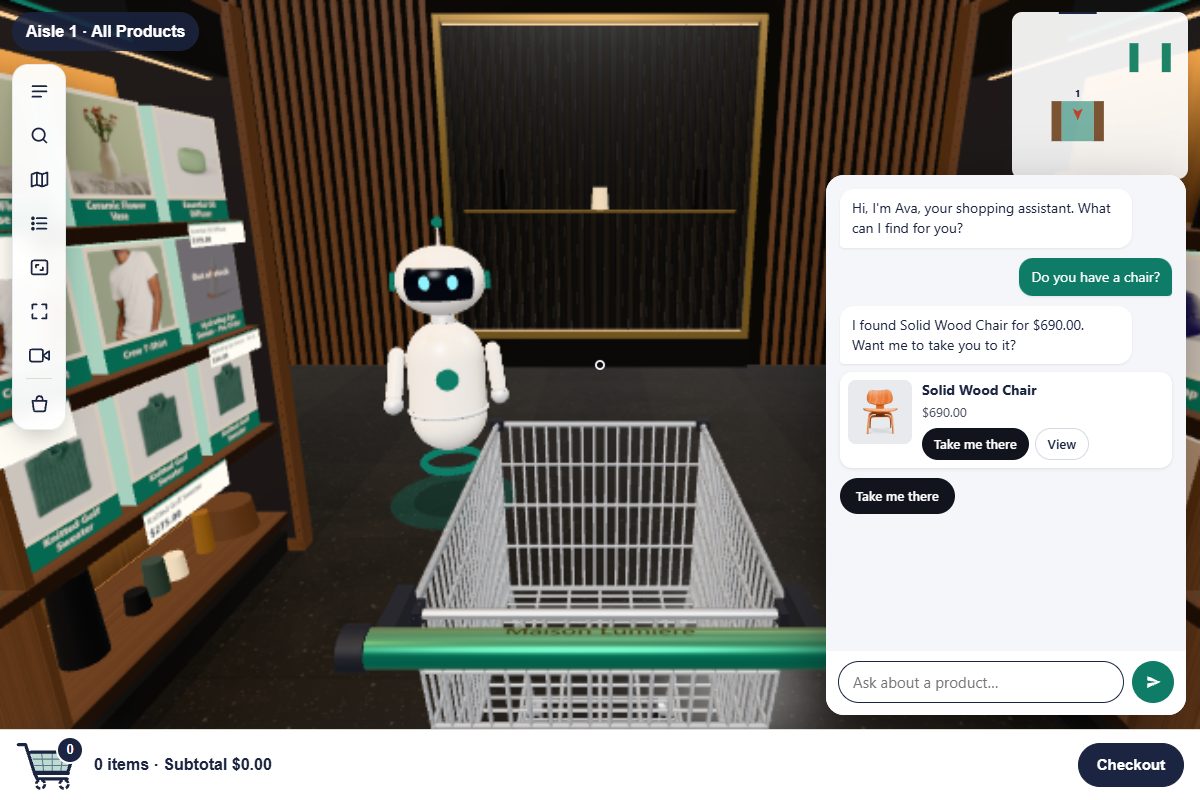
The specifics
| Plans | Free; Starter $19/month; Business $49/month; Agency $99/month, billed by Wix (10% less per month when billed yearly) |
|---|---|
| Free plan | The full walk-in store with the Boutique interior |
| Starter | Every Pro skin, Ava, camera views, branding, promo table, aisle-end displays, up to 12 posters and 3 TV screens |
| Business | Starter plus the Store designer, your own pictures, shelf-end video adverts and Ava AI chat |
| Agency | Business plus white-label on the app’s dashboard page |
| Requires | A Wix site with Wix Stores (merchandising also uses the site’s CMS) |
| Data | No shopper data stored and no cookies of its own; see the privacy policy |
| Status | Live on the Wix App Market |
Good to know
How do I install it?
Open Aisleza on the Wix App Market, click Add to Site and pick your site. Then drag the store onto a page in the editor.
Is it the same as the WooCommerce version?
Yes: the same walk-in store, skins, Ava and Pro features. On Wix it’s one app with plans billed by Wix instead of a plugin and a licence.
Does it work with both Wix Stores catalogues?
Yes. It reads products and categories from the newer catalogue and from the older one, so it works on new and existing Wix Stores sites.
Do I need a developer?
No. You drag the store onto a page in the editor like any other element, and set up Pro from the app’s page in your dashboard.
Goes well with
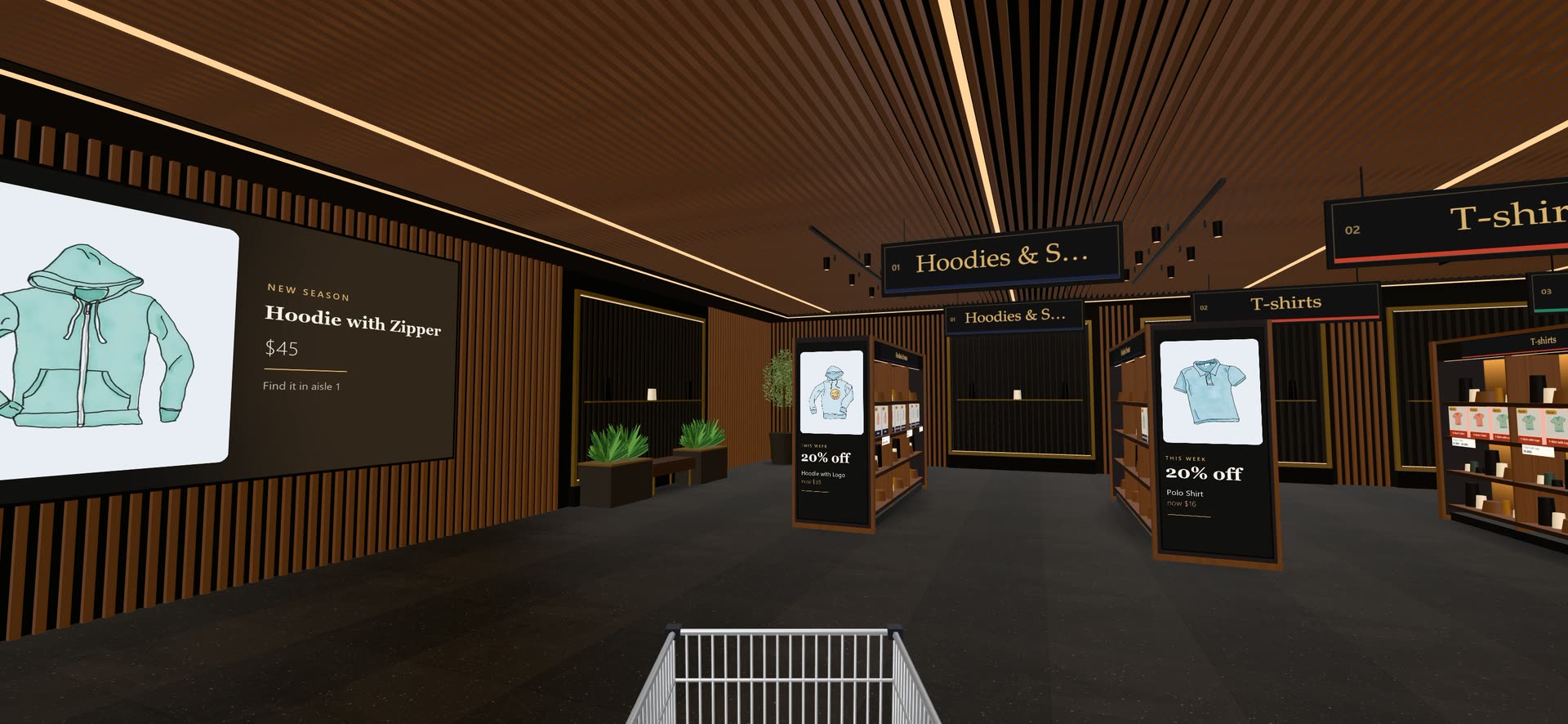 Ready when you are
Give your shoppers
somewhere to go
Start free with the walk-in store. Add Pro for every skin, Ava, camera views and merchandising.