Docs › Your shoppers
How shoppers walk
Controls on computers, phones and tablets, the help card, and every way to get around.
Walking in#
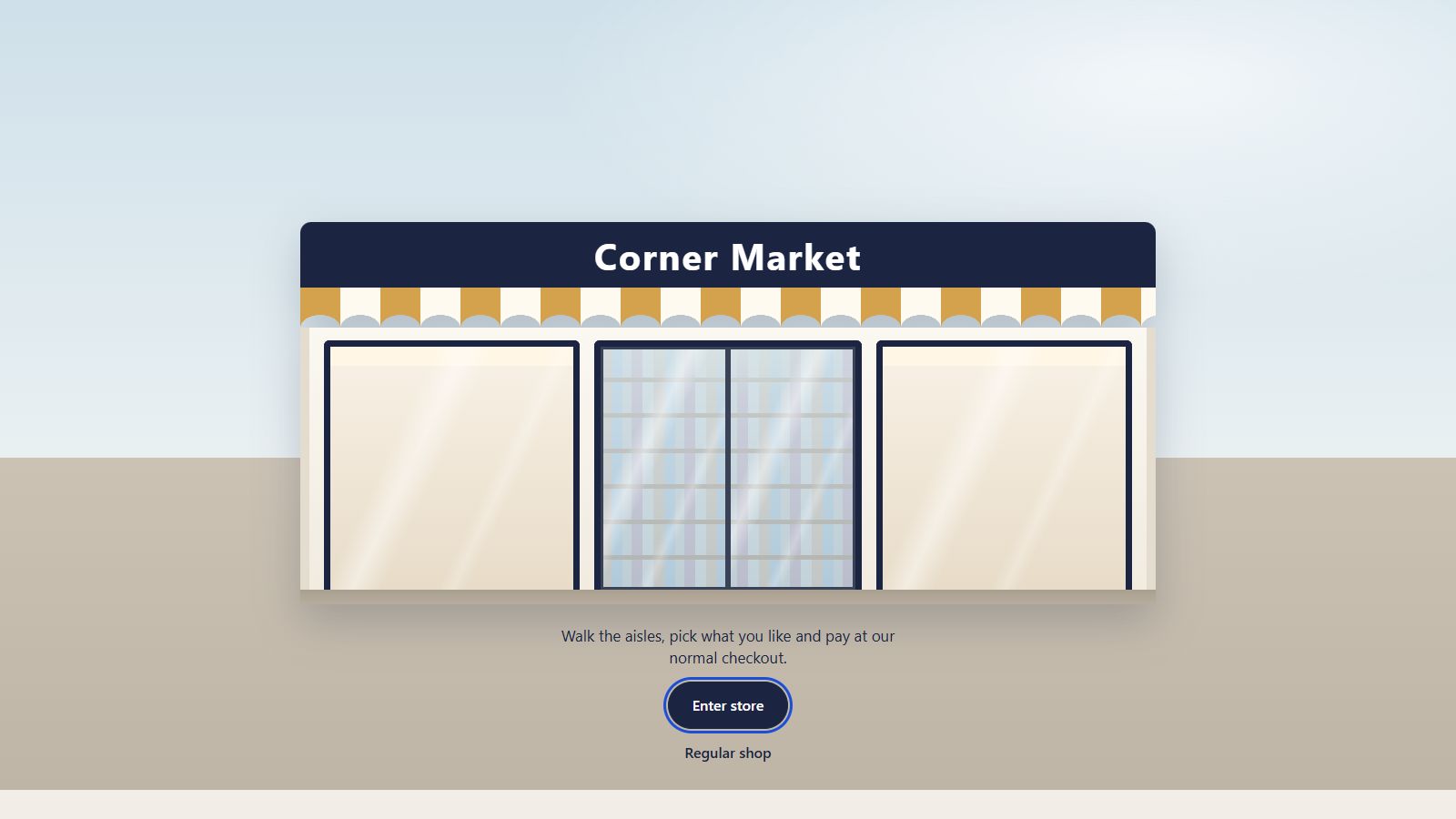
Shoppers arrive at the shop front with your store name, press Enter store, and take a trolley. A short help card explains the controls the first time; they can close it and carry on.
Controls#
| Action | Computer | Phone & tablet |
|---|---|---|
| Walk | Arrow keys or W A S D | On-screen joystick |
| Look around | Drag with the mouse | Swipe |
| Walk to a spot | Click the floor | Tap the floor |
| Pick up a product | Click it | Tap it |
| Change camera view (Pro) | V or the camera button | Camera button |
Getting around fast#
- Aisle drawer: every aisle with its product count; tap one to go there. See Toolbar.
- Store map: a floor plan to jump anywhere.
- Ava (Pro): ask for something and she walks you there. See Ava.
Smooth movement#
The trolley slides along shelves instead of driving through them, and turning near a shelf swings it around naturally. Nothing is drawn while the shopper stands still, which saves battery.
Still stuck? Ask in the store (Ava knows the controls) or write to support@aisleza.com. Last updated 2 November 2026.