Docs › Merchandising
Merchandising overview
Every merchandising tool in one place: what each does, where it stands in the store and which plan has it.
Every Pro plan (video adverts: Business and Agency)This feature is part of Aisleza Pro. See the plans.
Go to Aisleza → Merchandising. Each tool has its own tab, and one Save merchandising button saves them all.
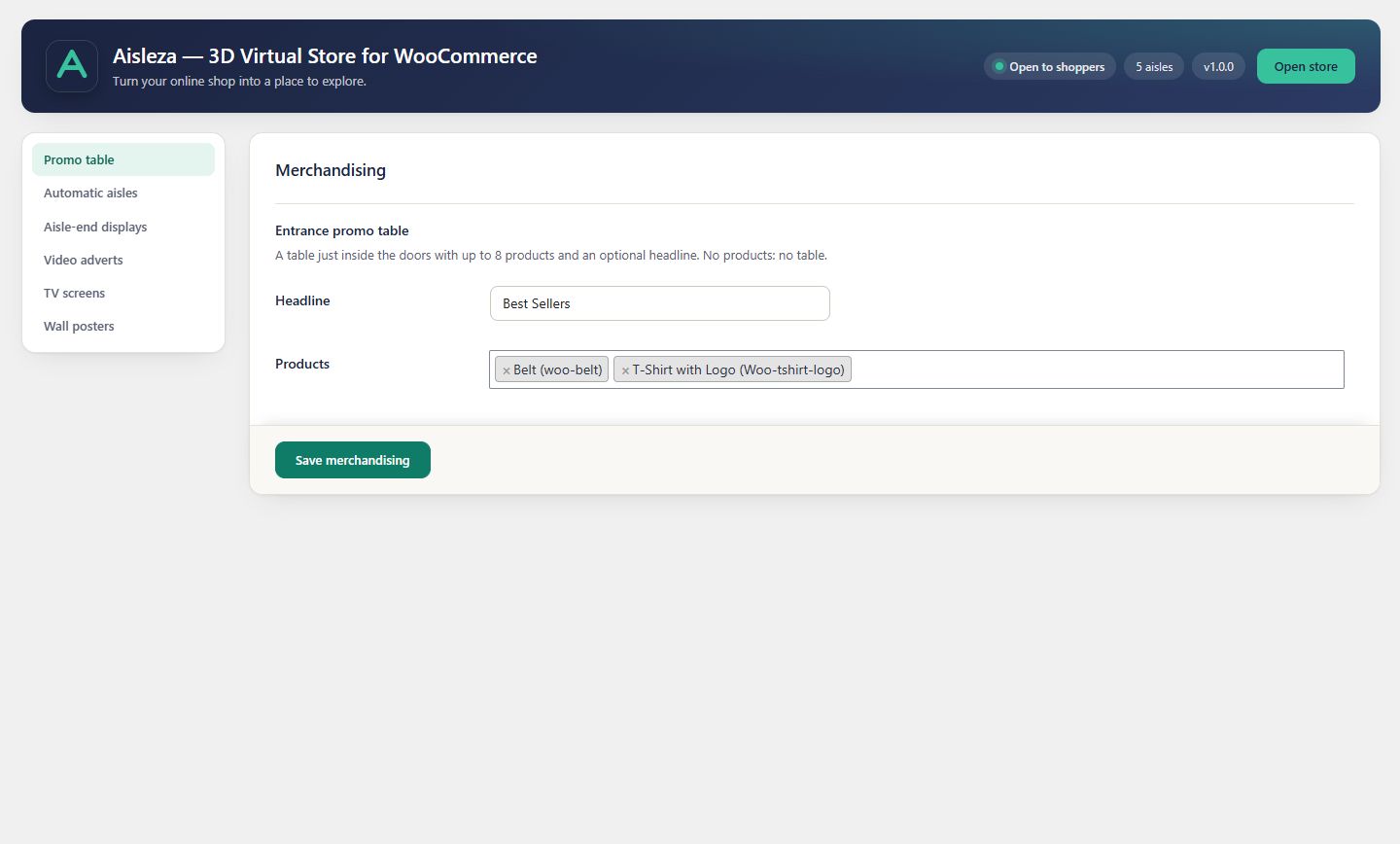
| Tool | Where it stands | Limit | Plan |
|---|---|---|---|
| Promo table | Just inside the doors | 8 products | Every Pro plan |
| Automatic aisles | Before or after your category aisles | New in, On sale, Bestsellers | Every Pro plan |
| Aisle-end displays | In front of shelving end panels | 6 products per end | Every Pro plan |
| Wall posters | Any wall | 12 posters | Every Pro plan |
| TV screens | Any wall | 3 screens | Every Pro plan |
| Video adverts | On shelving end panels | 6 adverts | Business and Agency |
Rendered by the free engine
Merchandising is drawn by the same 3D engine as the rest of the store, so it follows the skin’s lighting, collisions and performance rules automatically.
Still stuck? Ask in the store (Ava knows the controls) or write to support@aisleza.com. Last updated 2 November 2026.